Coming soon
TASC Permits
Digital work permits, role-based approvals and expiry.
TASC Academy
Watch a short walkthrough, follow numbered screenshots from the real system, and check that your setup worked.
Watch the first walkthrough
Set up your organization
Administrator setup
Each lesson opens directly into the walkthrough. Screenshots and video come before reference material.
 1
1Sign in, confirm administrator access, then set the company identity and first operating structure.
Open lesson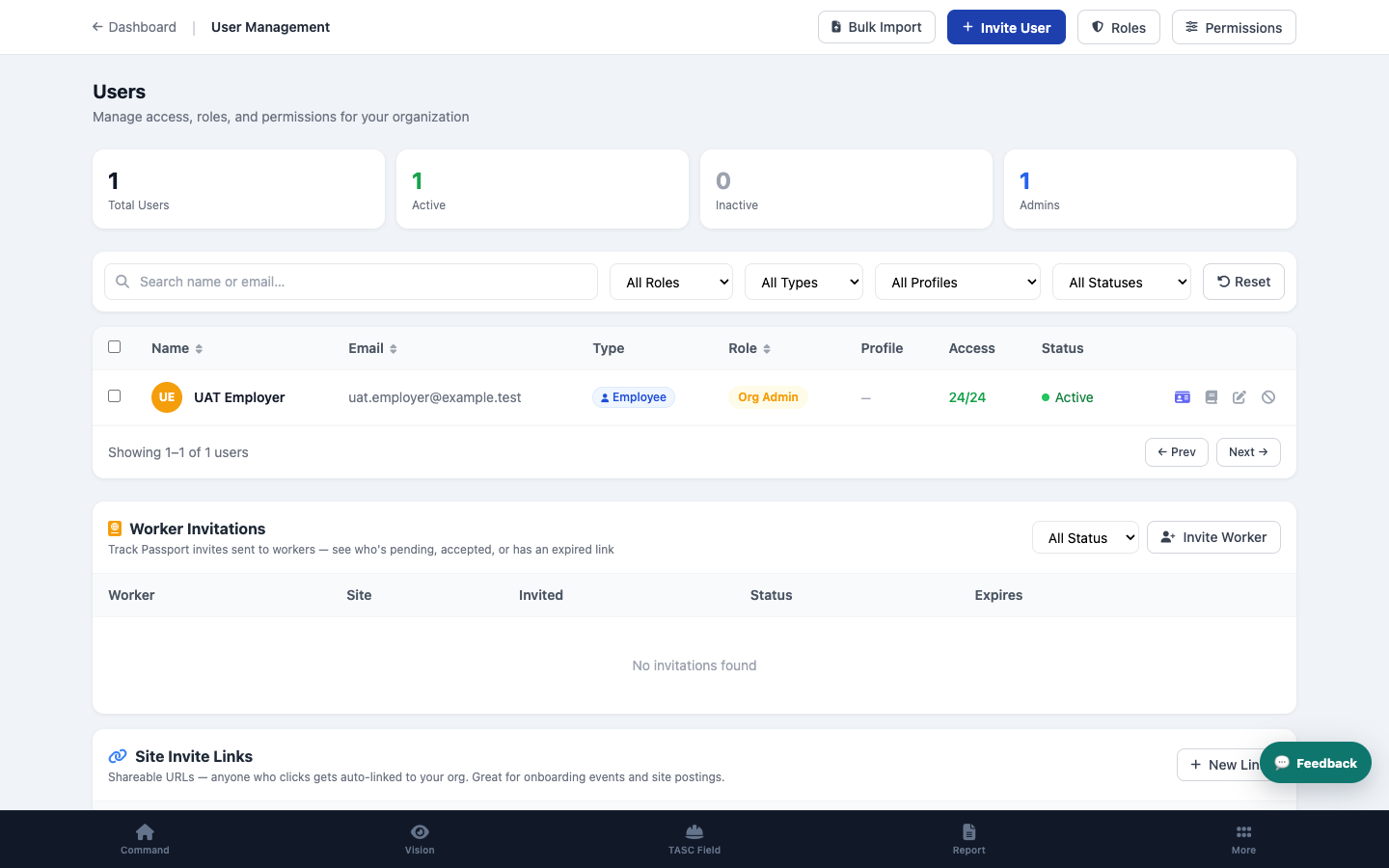 2
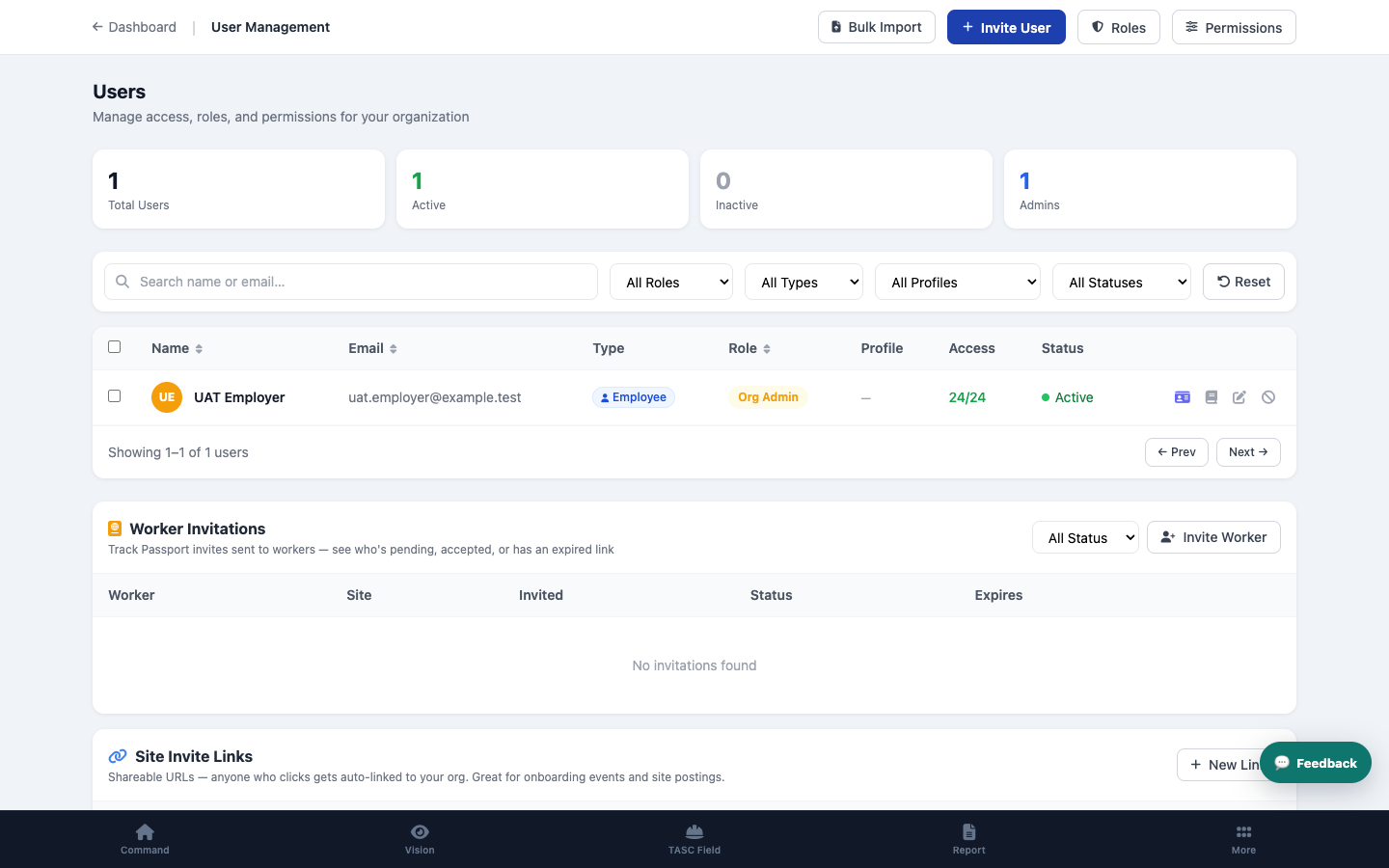
2Invite people who need platform access and assign the smallest suitable role and permissions.
Open lesson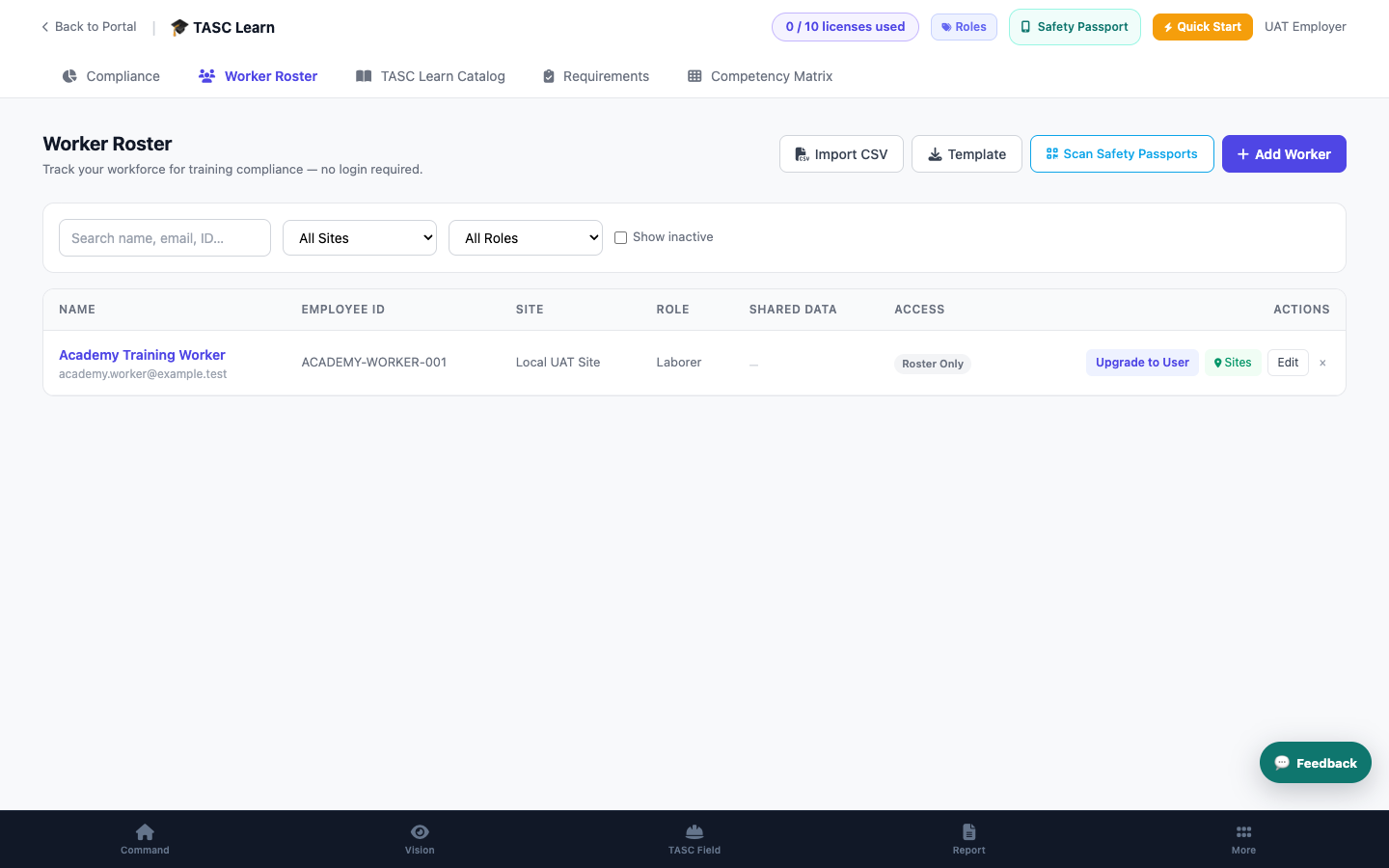 3
3Use the worker invitation path so workers can connect without becoming licensed organization users.
Open lesson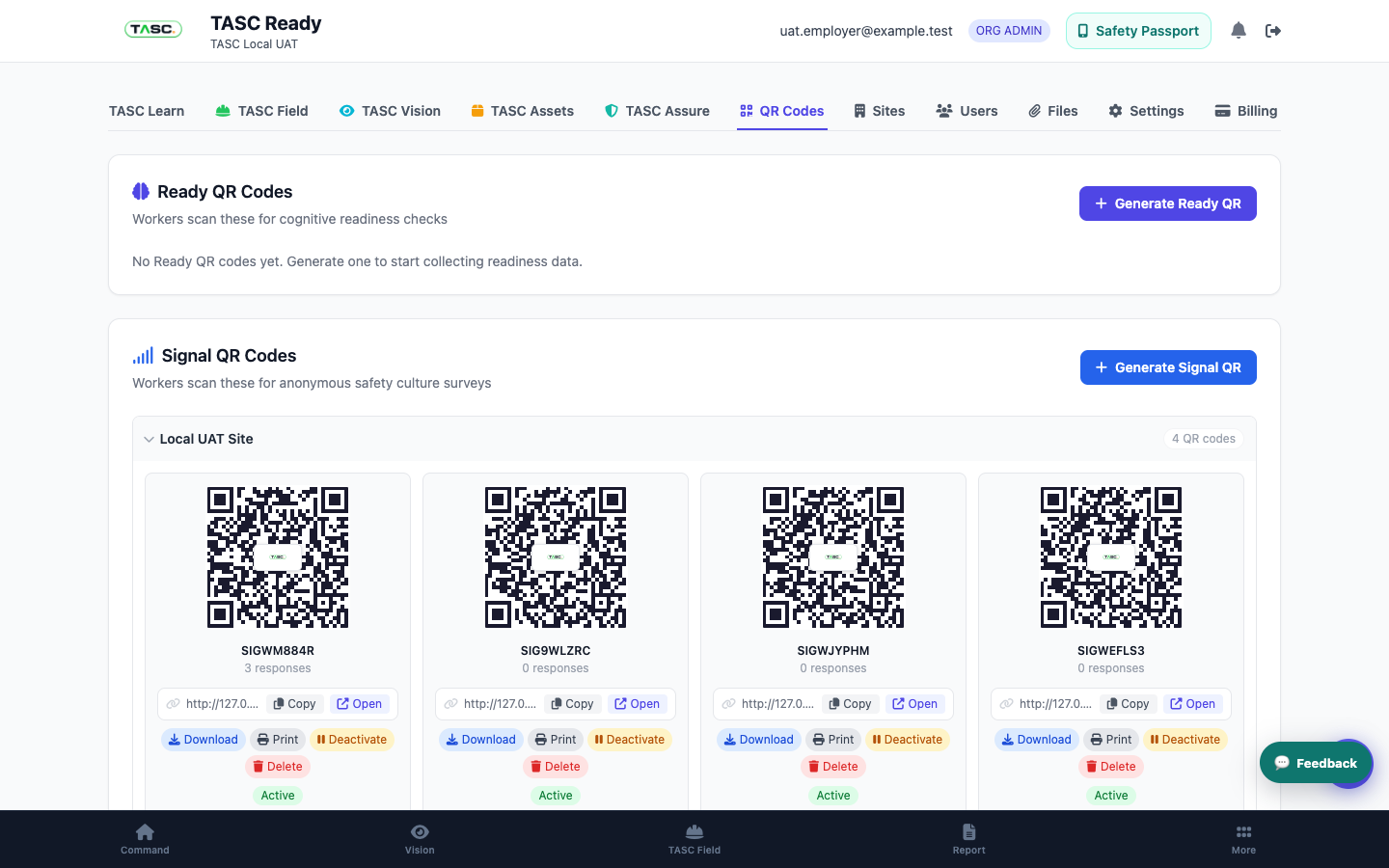 4
4Choose the workflow, set the scope, test connected and non-user journeys, and manage the code lifecycle.
Open lesson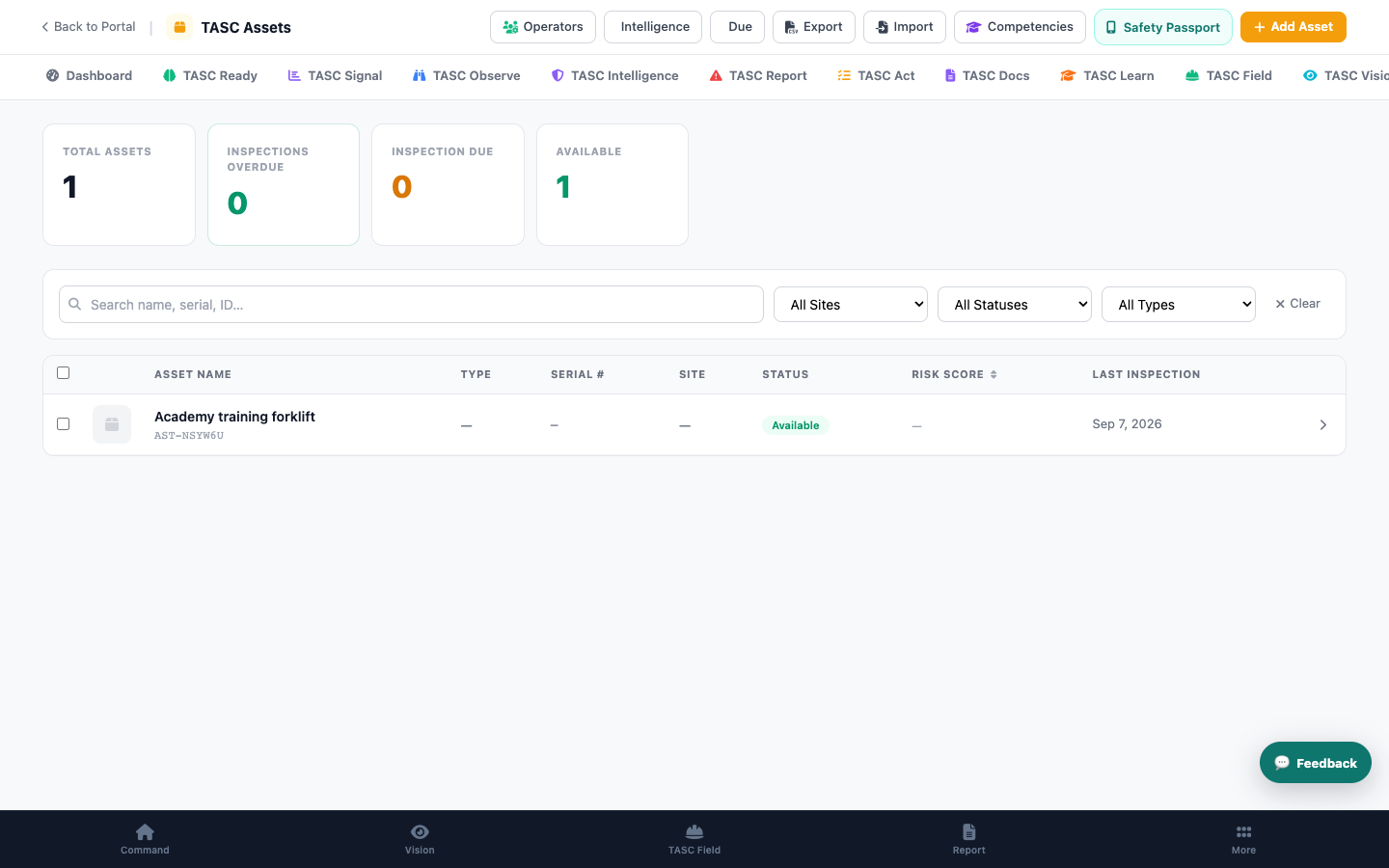 5
5Create governed asset records, attach the right controls and prepare field QR access.
Open lesson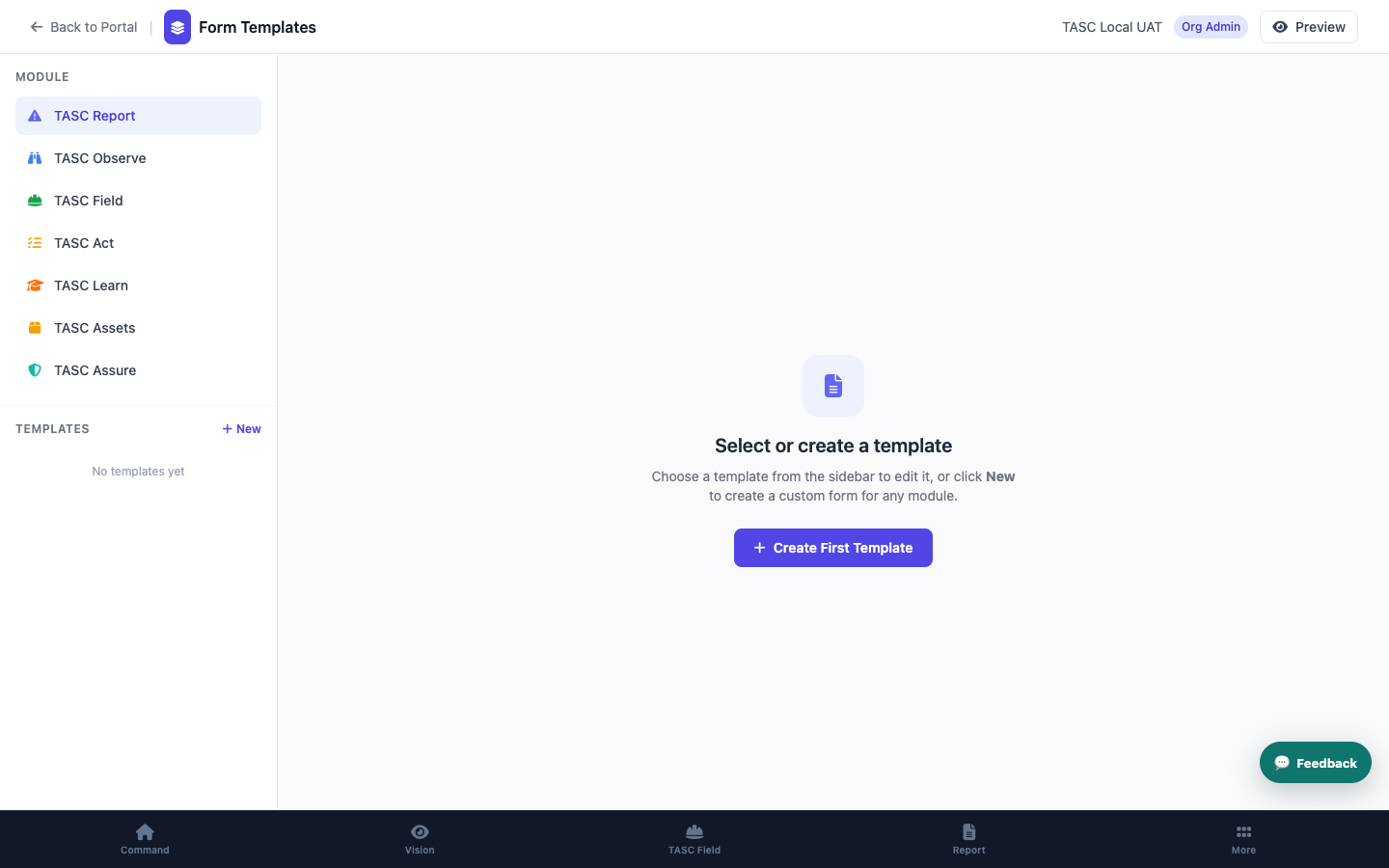 6
6Create a mobile form, add conditional logic, connect it to a workflow and test the full result.
Open lessonWorker and public access
Platform and administration
These walkthroughs cover the cross-module and administrator interfaces that were missing from the original Academy scope.
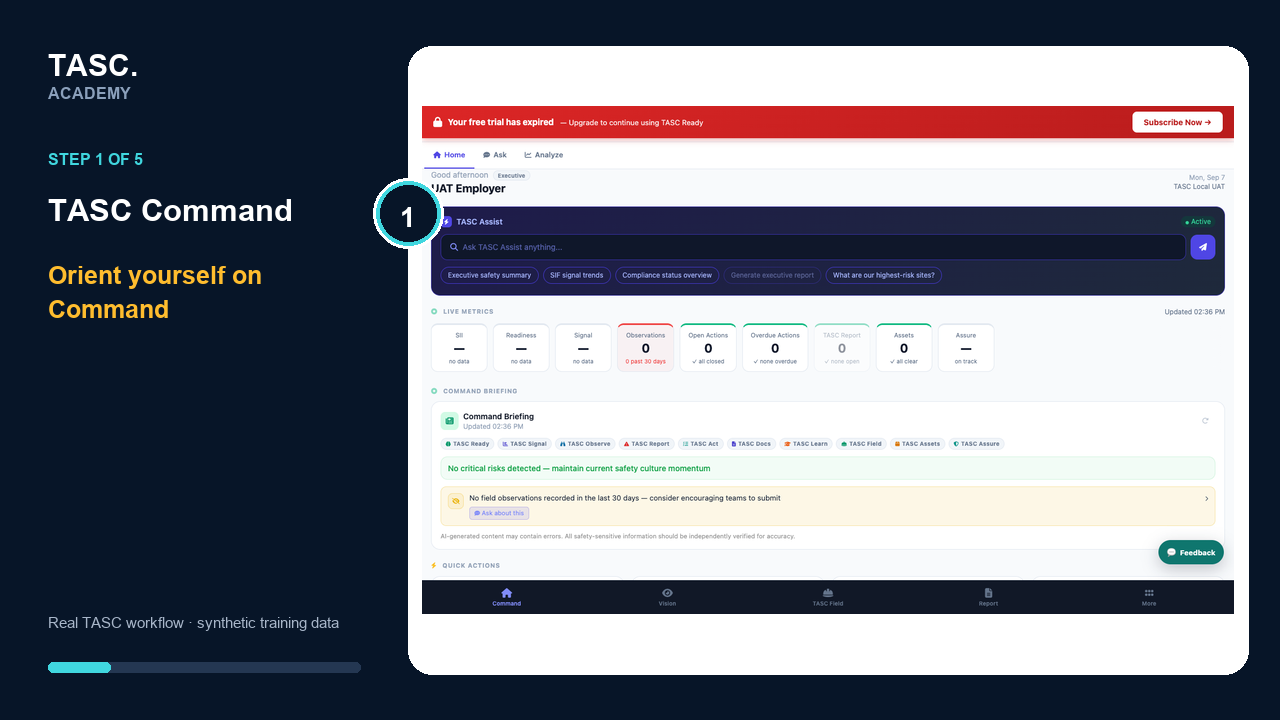
Use the operational home to see current risk signals, outstanding work and the fastest route into the task that needs attention.
Open walkthrough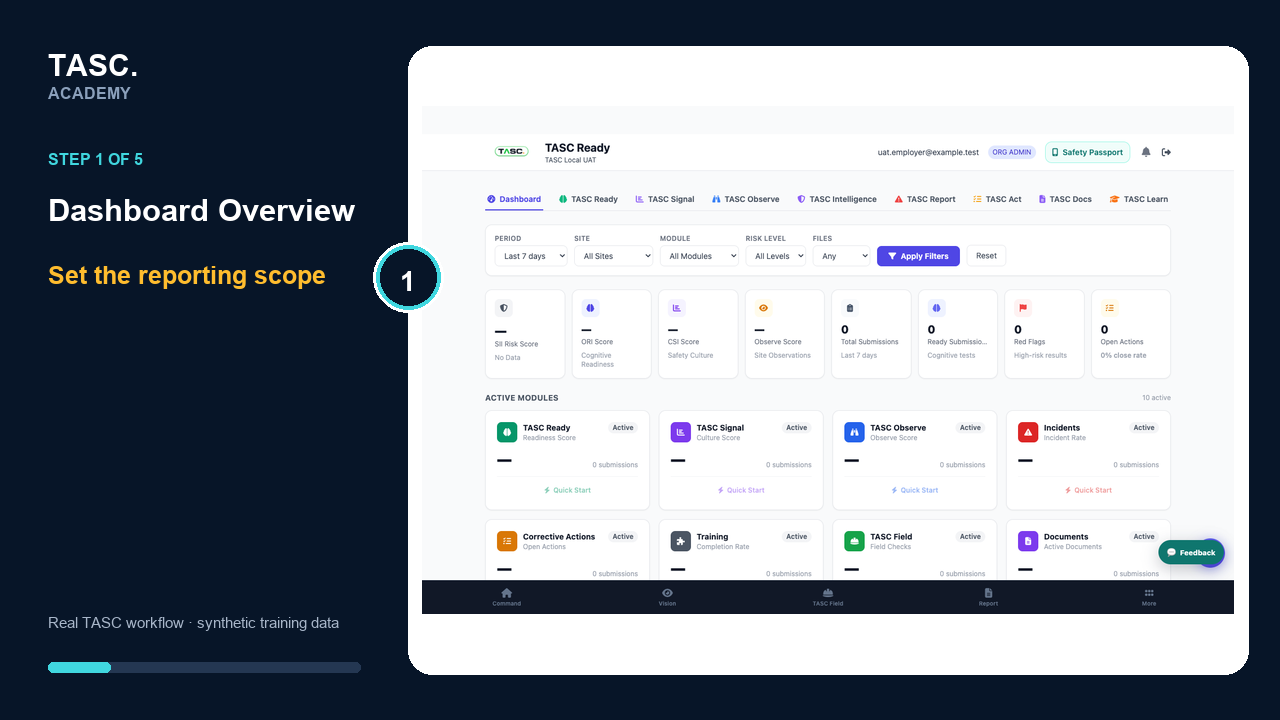
Filter and review cross-module activity, risk intelligence, engagement, actions, documents and submissions from one reporting surface.
Open walkthrough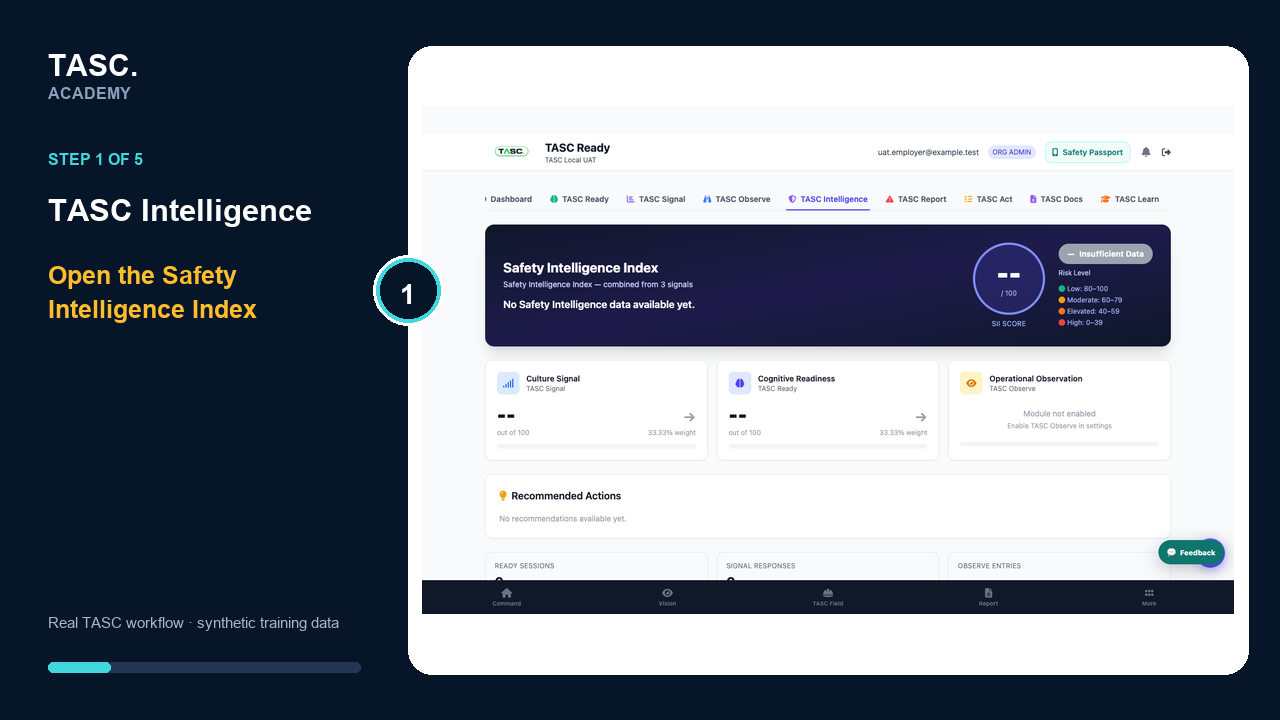
Review the Safety Intelligence Index, its contributing signals and recommended actions with human accountability.
Open walkthrough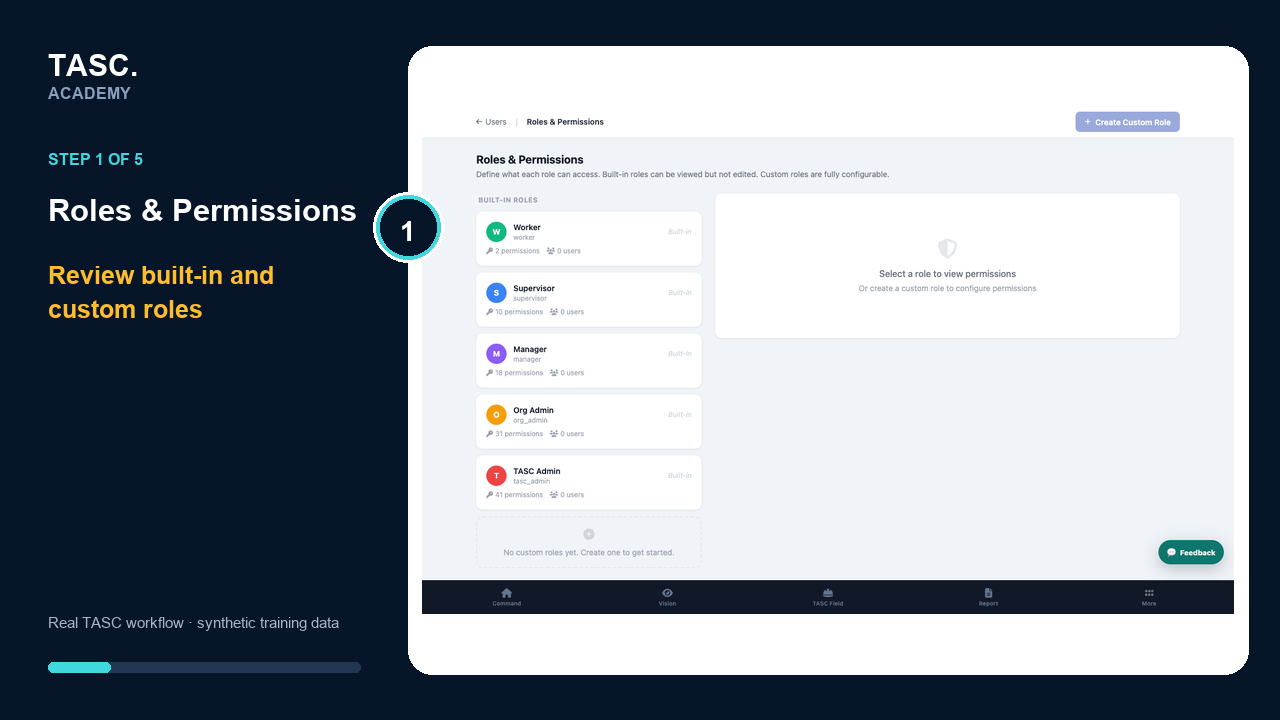
Create reusable permission profiles, test least-privilege access and manage justified person-level exceptions.
Open walkthrough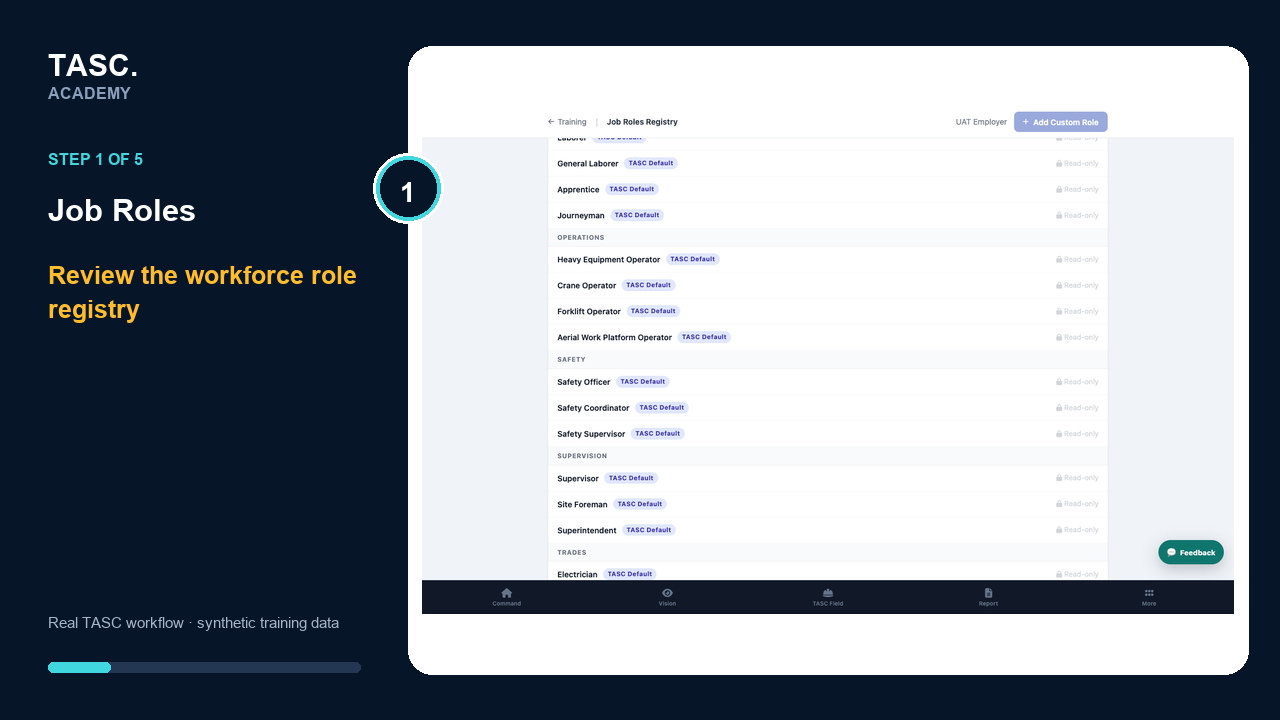
Build the workforce role registry used to align people, training requirements and operational expectations.
Open walkthrough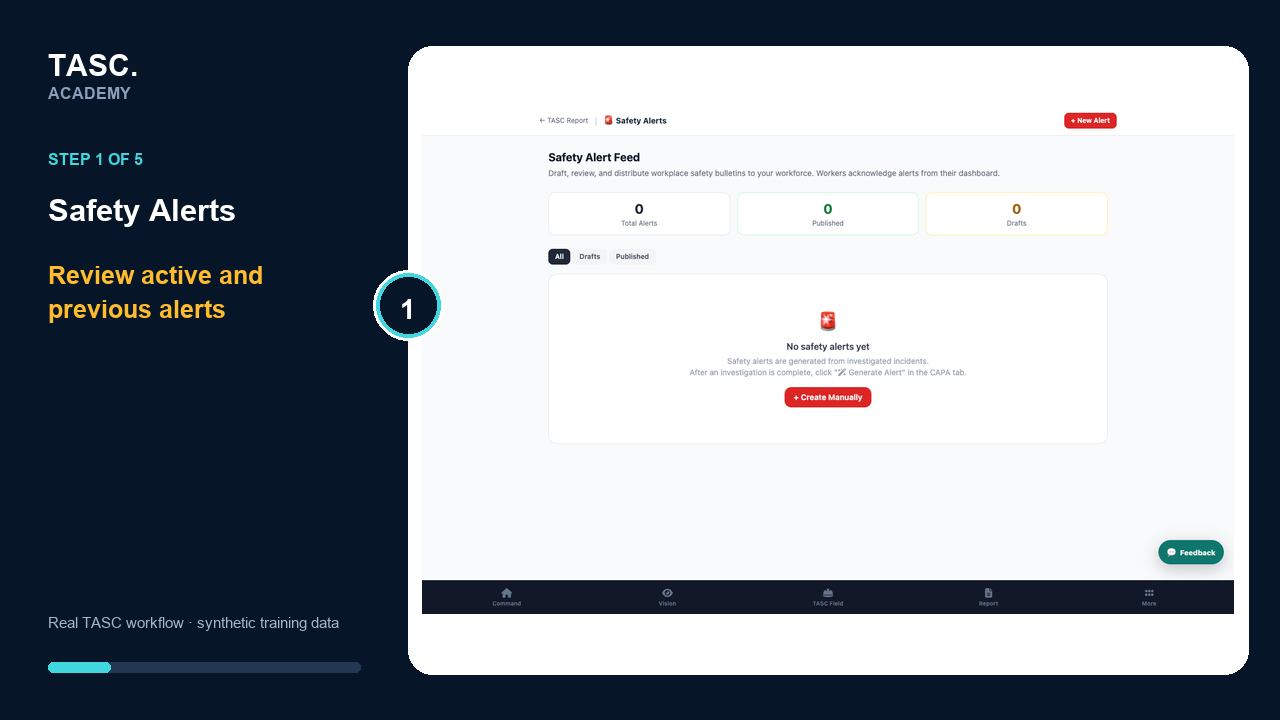
Create, target, publish and monitor safety alerts without sending unnecessary or unverified information.
Open walkthrough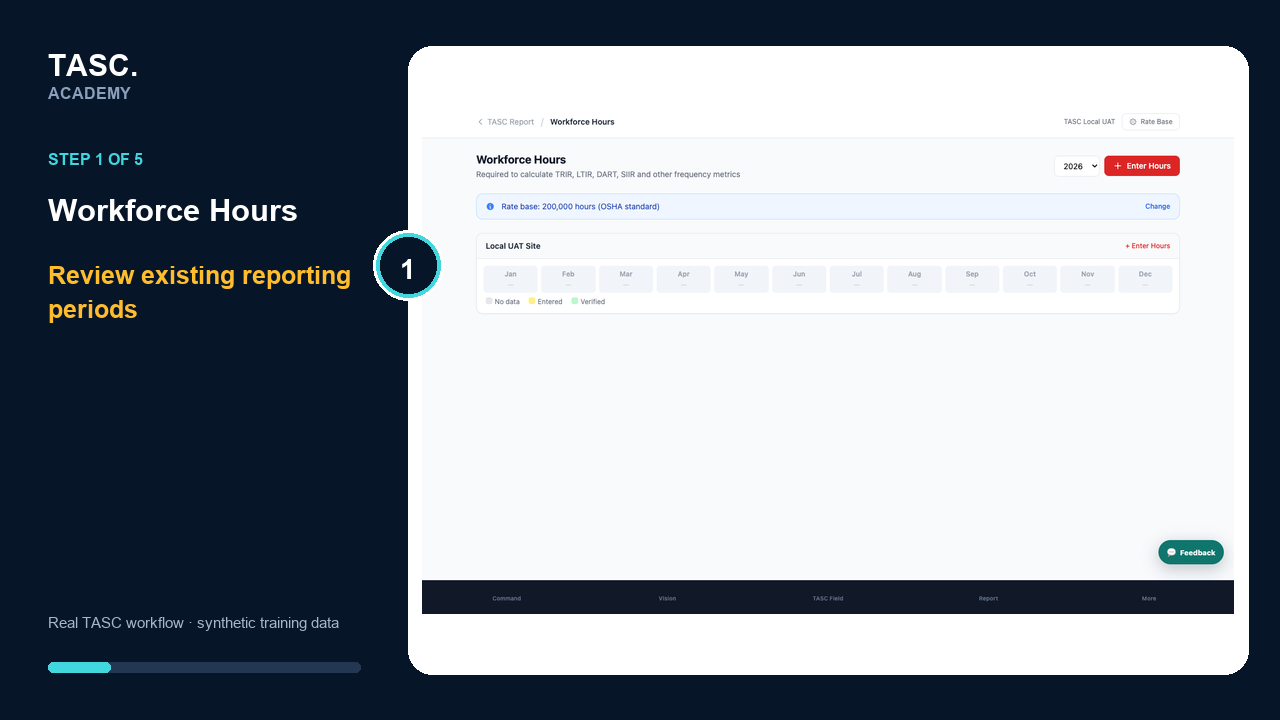
Enter and verify exposure hours so incident rates and safety analytics use the correct denominator.
Open walkthrough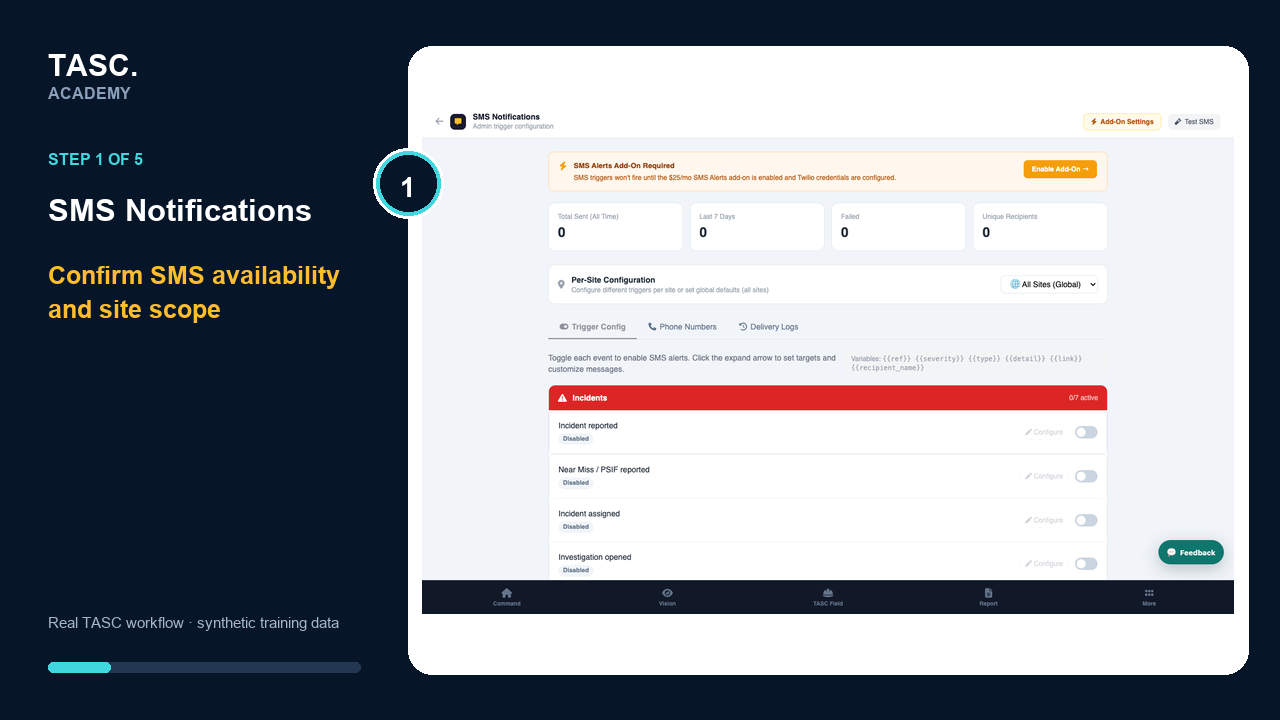
Configure SMS delivery, recipients and templates for supported operational notifications.
Open walkthrough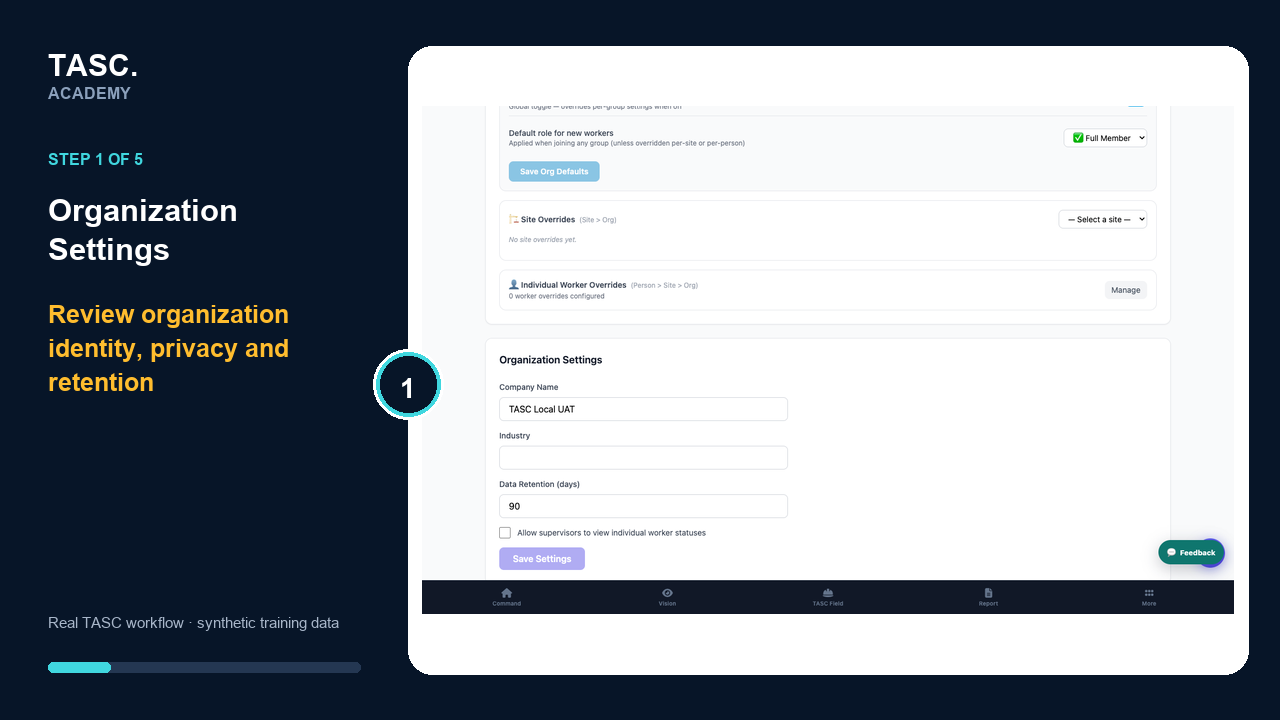
Manage the organization-level controls that affect worker communication, privacy, modules, forms, shifts, exports and automation.
Open walkthrough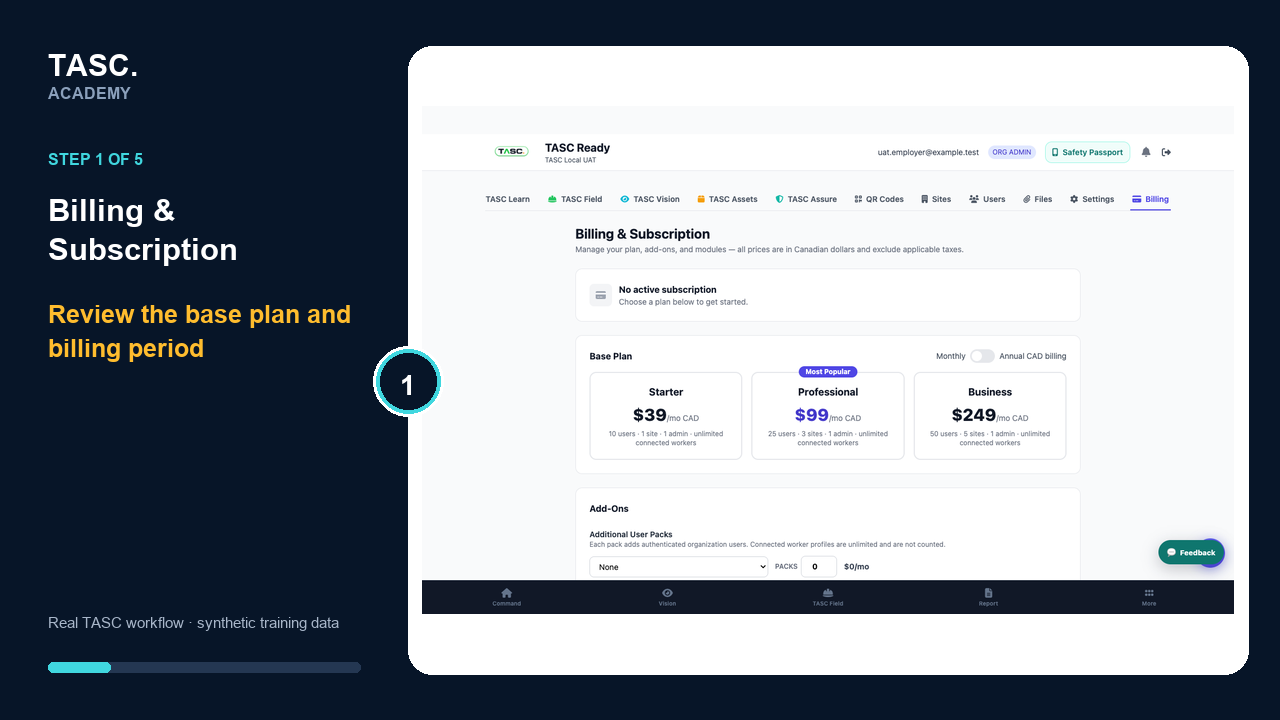
Review plan, capacity, add-ons, modules, cost summary and invoices before applying a subscription change.
Open walkthroughCustomer feedback loop
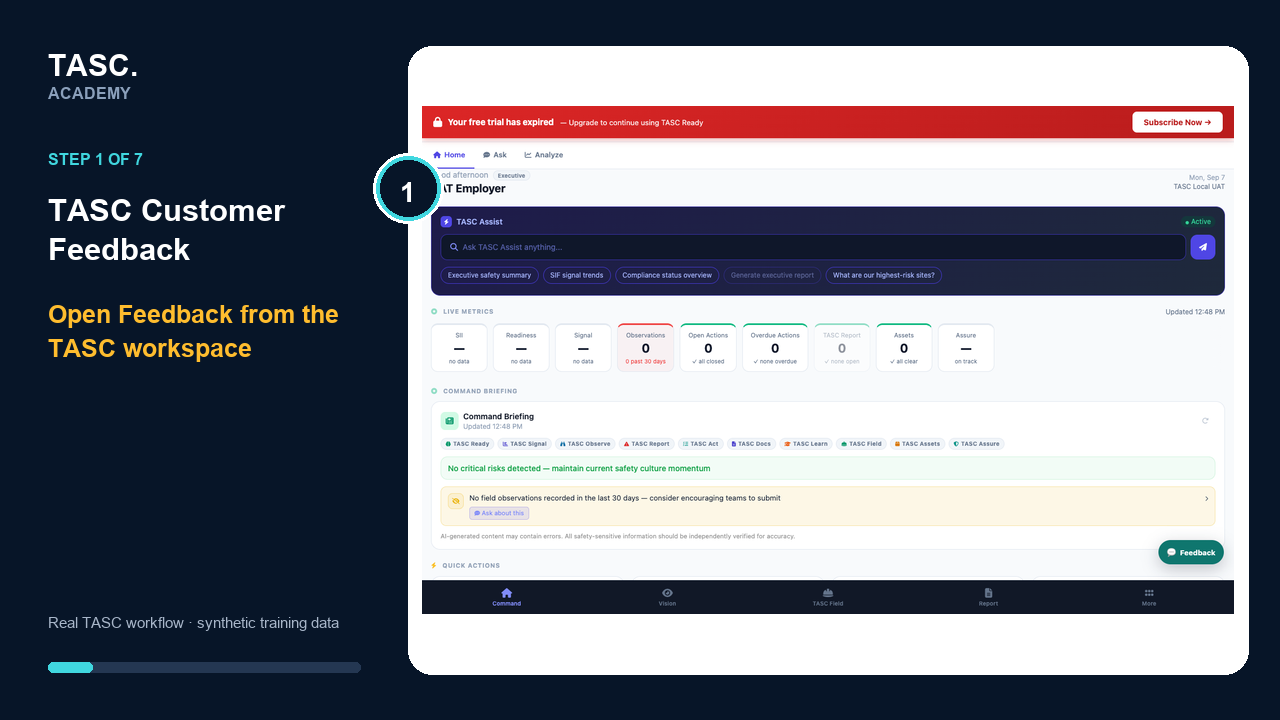
Submit feedback from the screen you are using, follow its status, and verify the improvement after controlled review, implementation and release.
A closed, accountable loop: AI prepares a privacy-safe proposal, a human owner approves it, and the customer confirms whether the released change actually works.
Real customer + owner workflow
Feedback to verified improvement
Module training
Media is published only after the current workflow is captured, checked and cleared for Academy use.
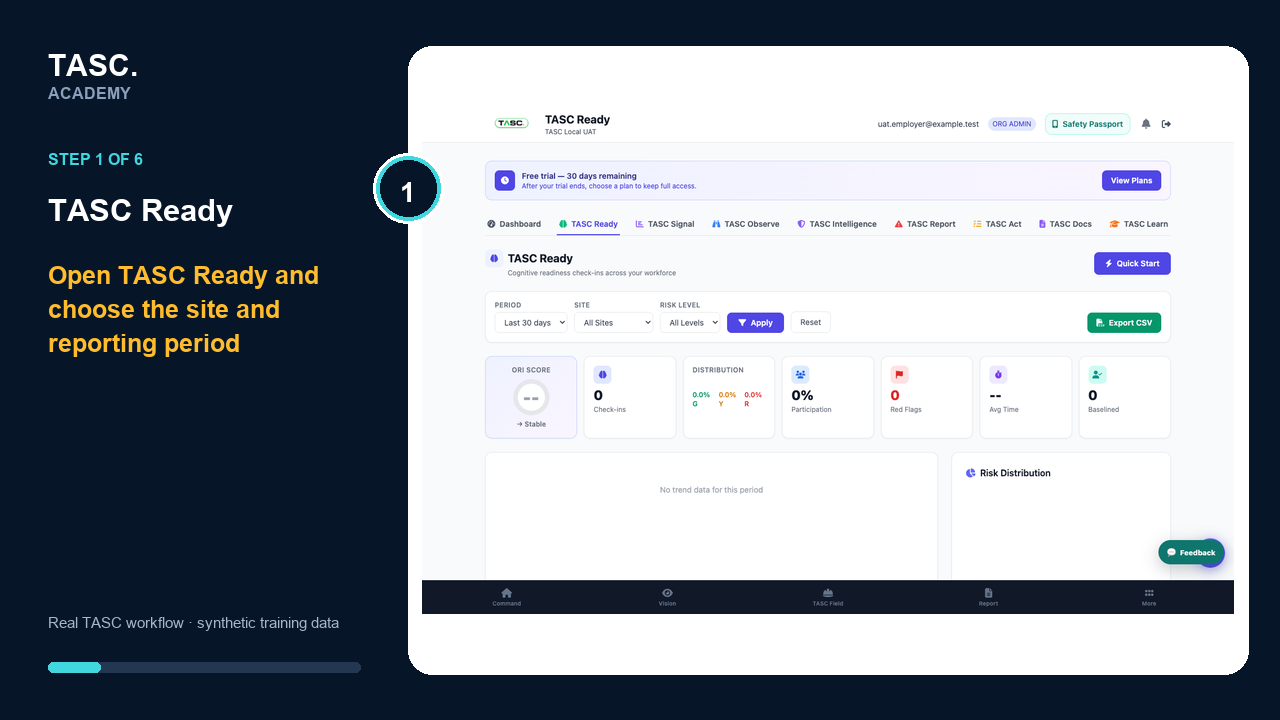
Readiness checks, site and shift access, and readiness trends.
Open → configure → complete → review → follow up
Start module walkthrough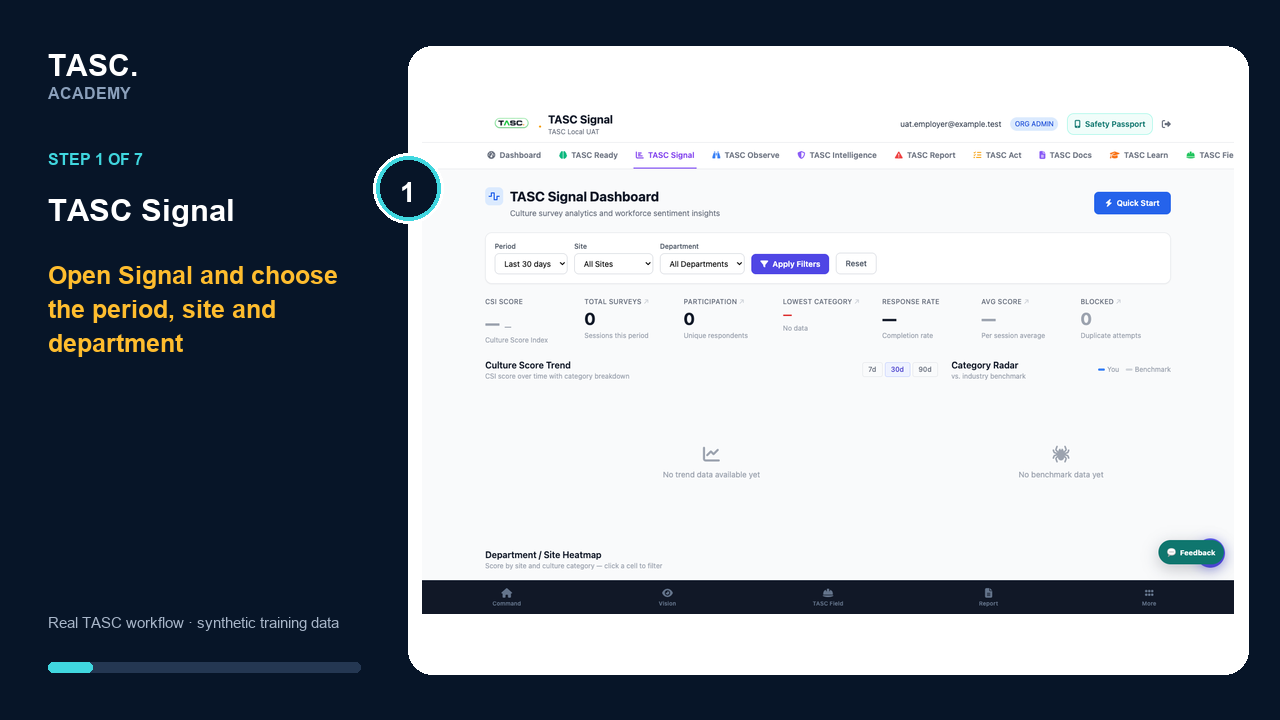
Workforce pulse surveys, QR participation and aggregate insight.
Open → configure → complete → review → follow up
Start module walkthrough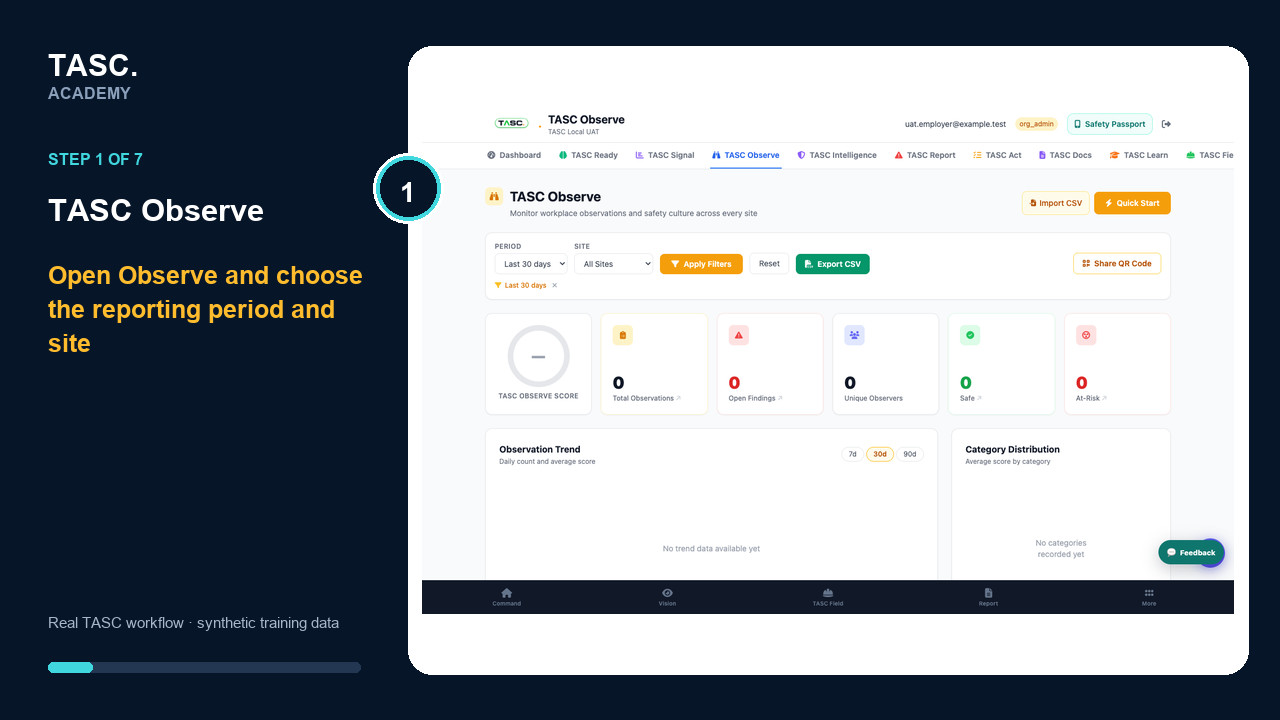
Field observations, supporting evidence and operational reporting.
Open → configure → complete → review → follow up
Start module walkthrough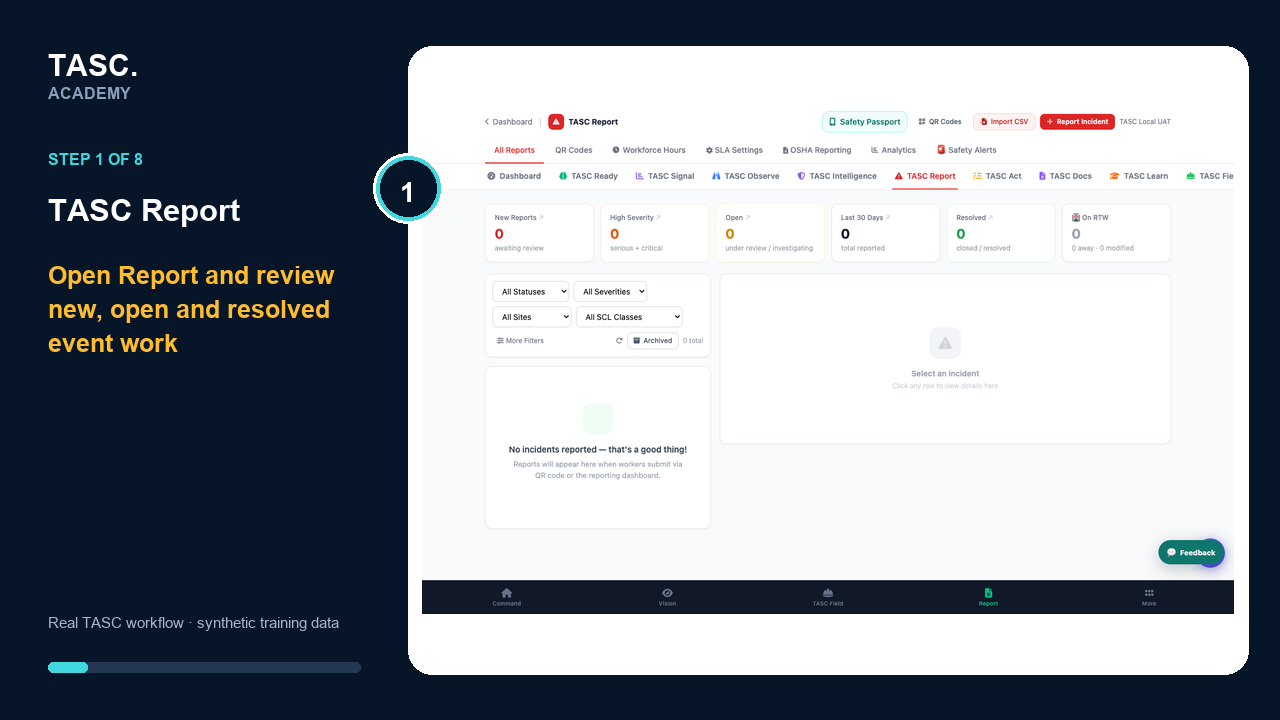
Event, incident and near-miss reporting with investigation follow-up.
Open → configure → complete → review → follow up
Start module walkthrough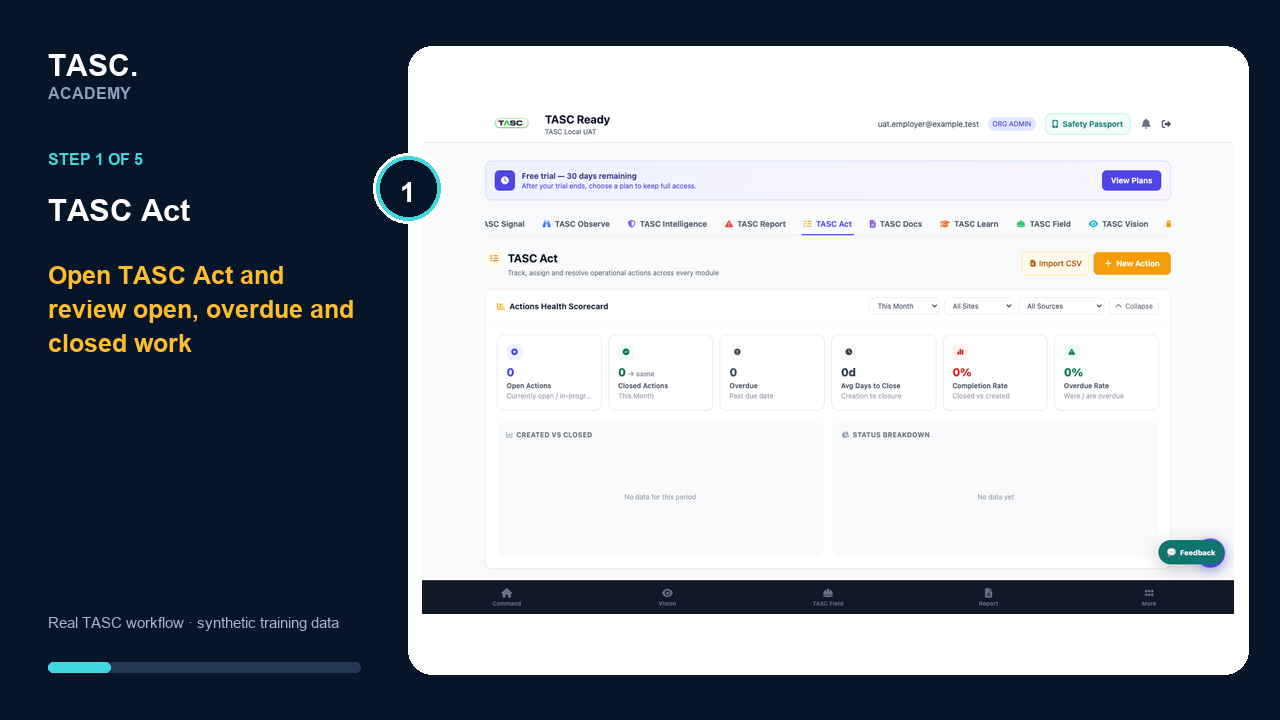
Corrective-action assignment, evidence, verification and closure.
Open → configure → complete → review → follow up
Start module walkthrough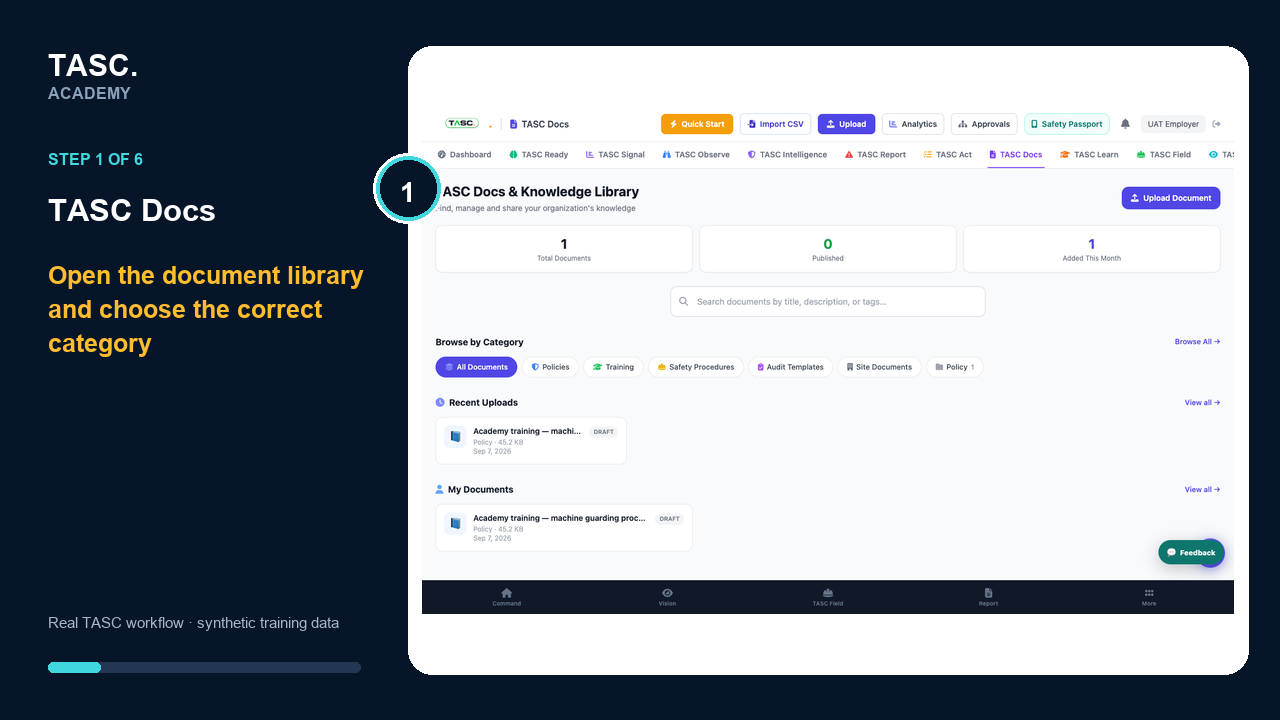
Controlled documents, versions, distribution and acknowledgements.
Open → configure → complete → review → follow up
Start module walkthrough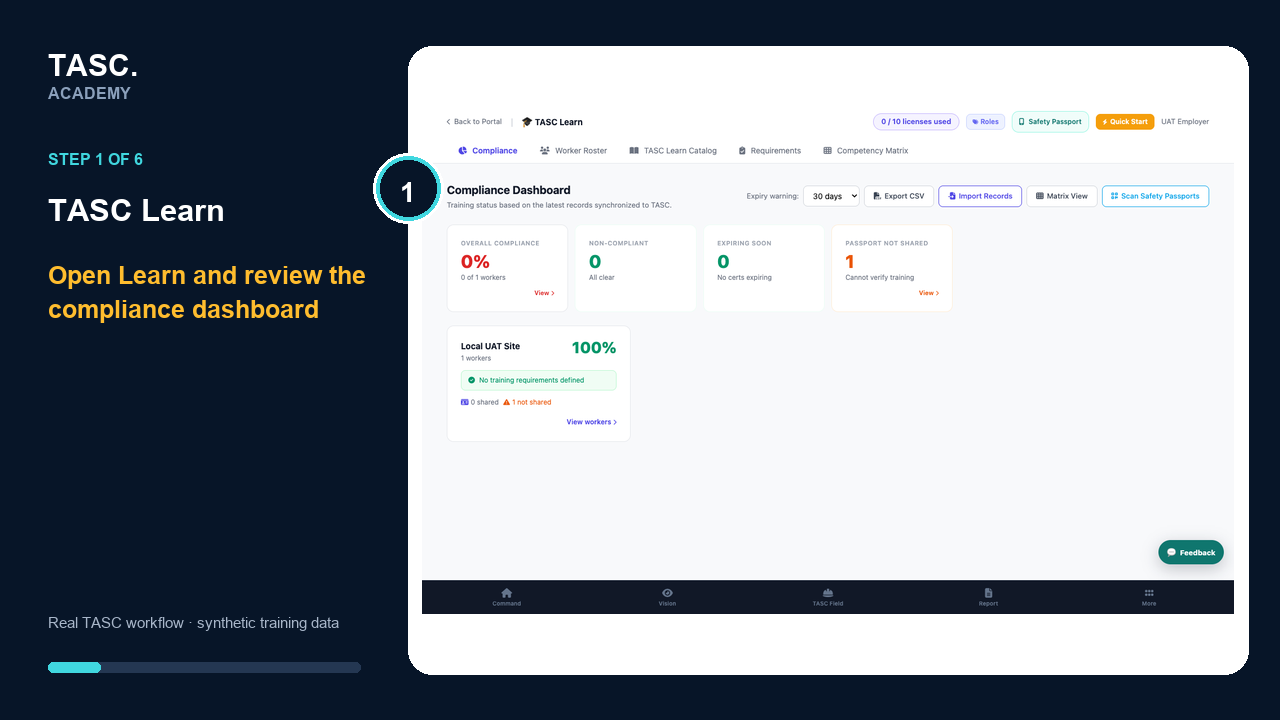
Training, certifications, competencies and expiry management.
Open → configure → complete → review → follow up
Start module walkthrough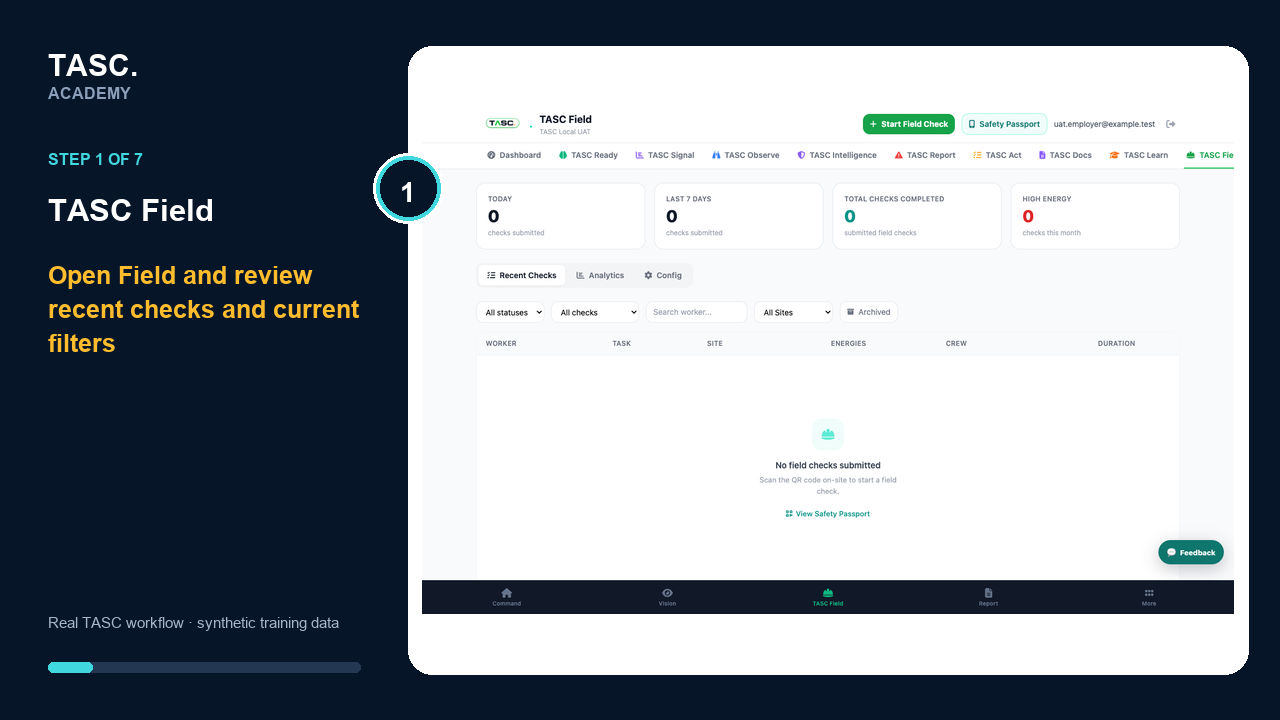
Mobile field-level risk assessment and pre-task control review.
Open → configure → complete → review → follow up
Start module walkthrough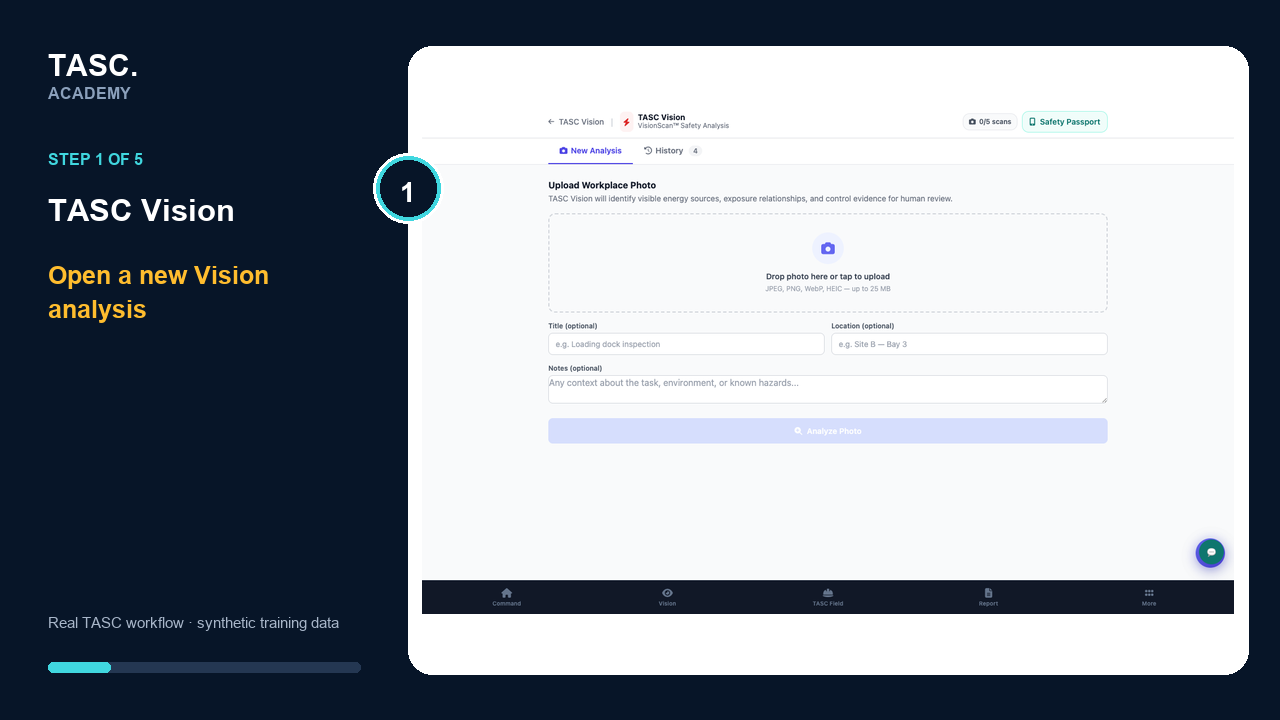
AI-assisted image and certificate review for qualified human review.
Open → configure → complete → review → follow up
Start module walkthrough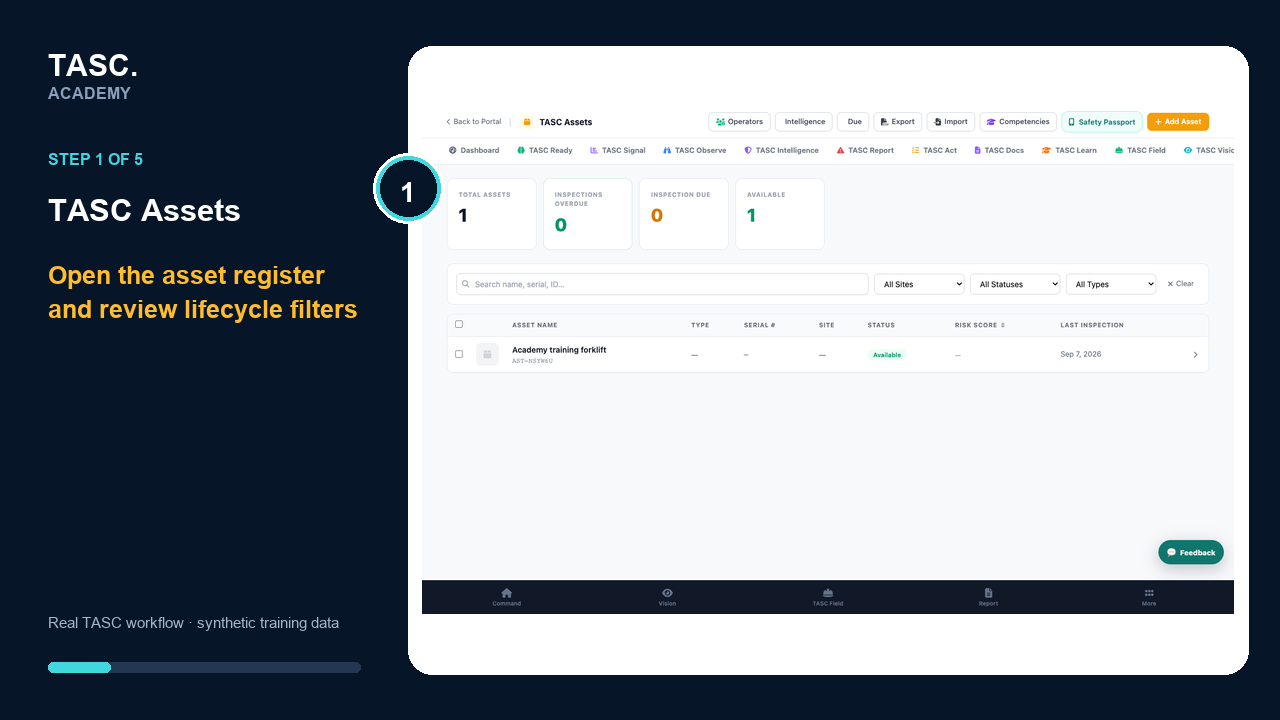
Asset register, assignments, inspections, documents and QR access.
Open → configure → complete → review → follow up
Start module walkthrough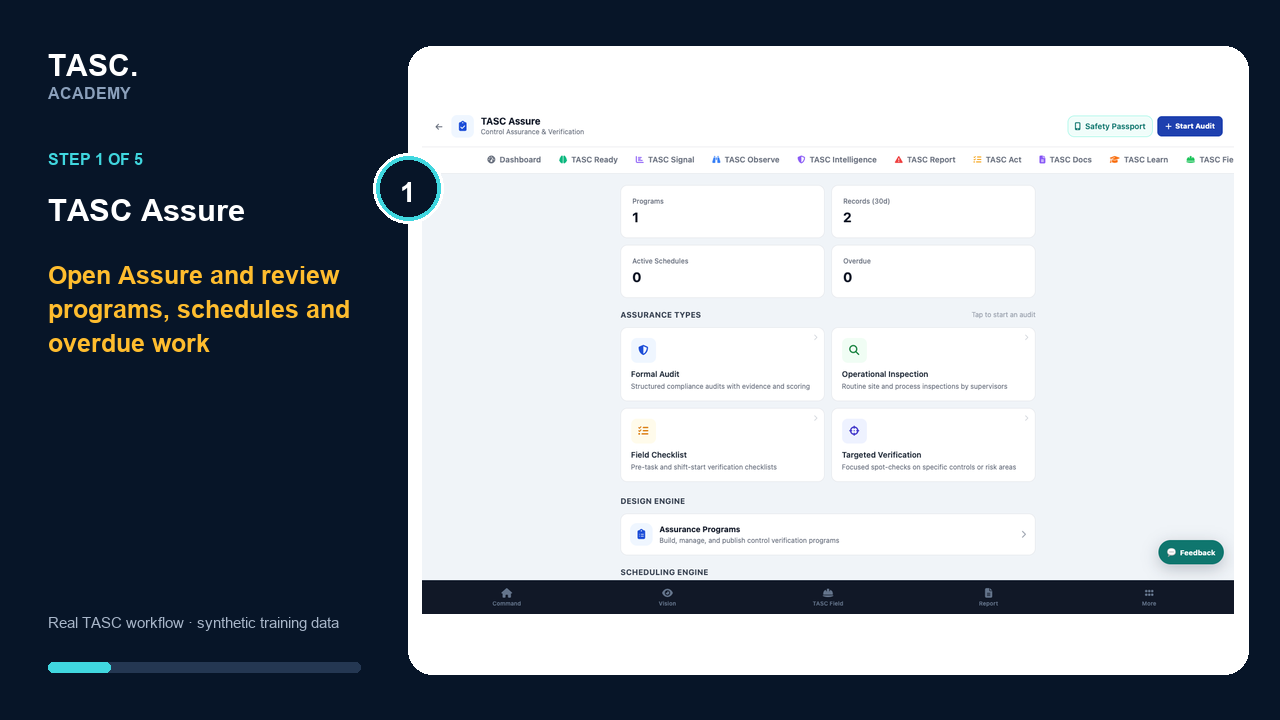
Assurance programs, control verification, evidence and coverage.
Open → configure → complete → review → follow up
Start module walkthroughDigital work permits, role-based approvals and expiry.
Academy content status
Each published course pairs the written task with the current local product workflow, numbered screenshots and a captioned video. TASC Permits is coming soon, and TASC AI is intentionally outside this Academy release.