All lessons
TASC IntelligenceVideo + step screenshots
TASC Intelligence: complete walkthrough
Review the Safety Intelligence Index, its contributing signals and recommended actions with human accountability.
10 minutes5 stepsCore
Watch first
Captioned walkthrough using the real TASC screen
Do the task
Follow these steps in order
0 of 50%
Open the Safety Intelligence Index
Confirm the active scope and whether sufficient source data exists for the displayed index.
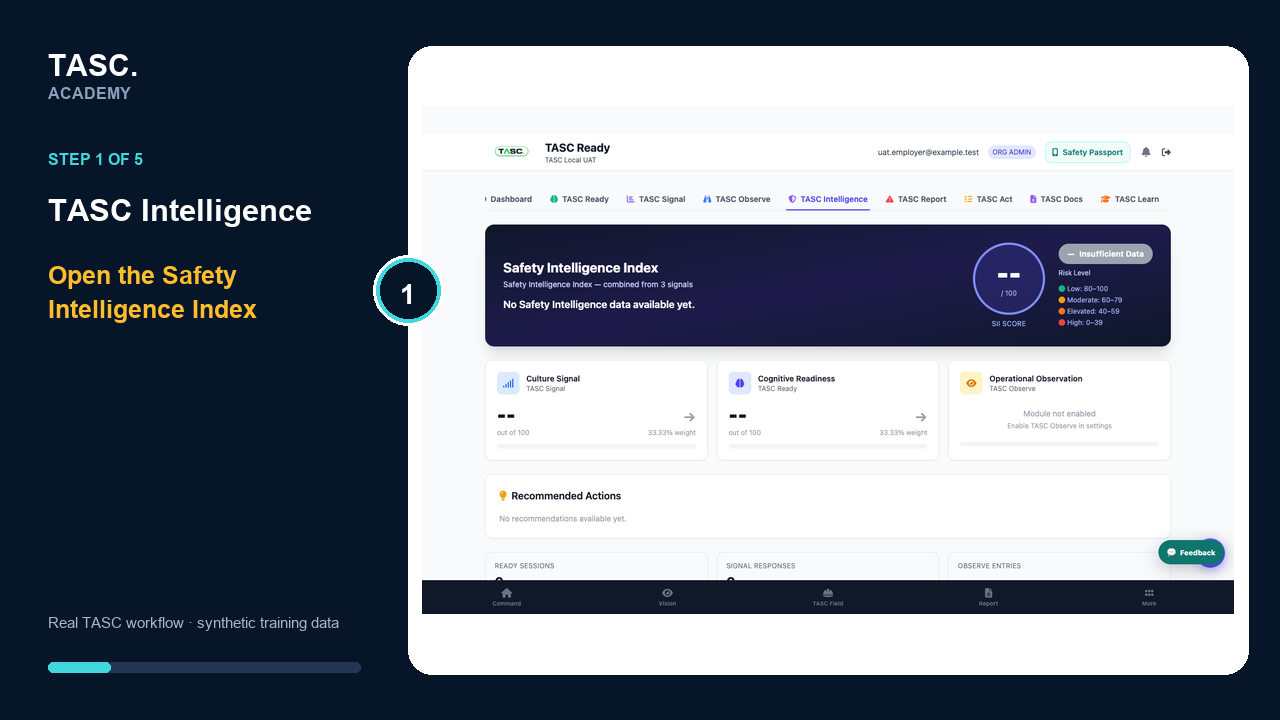 Step 1: Open the Safety Intelligence Index
Review contributing signals
Compare the available readiness, engagement, observation, incident and action inputs rather than relying on one score.
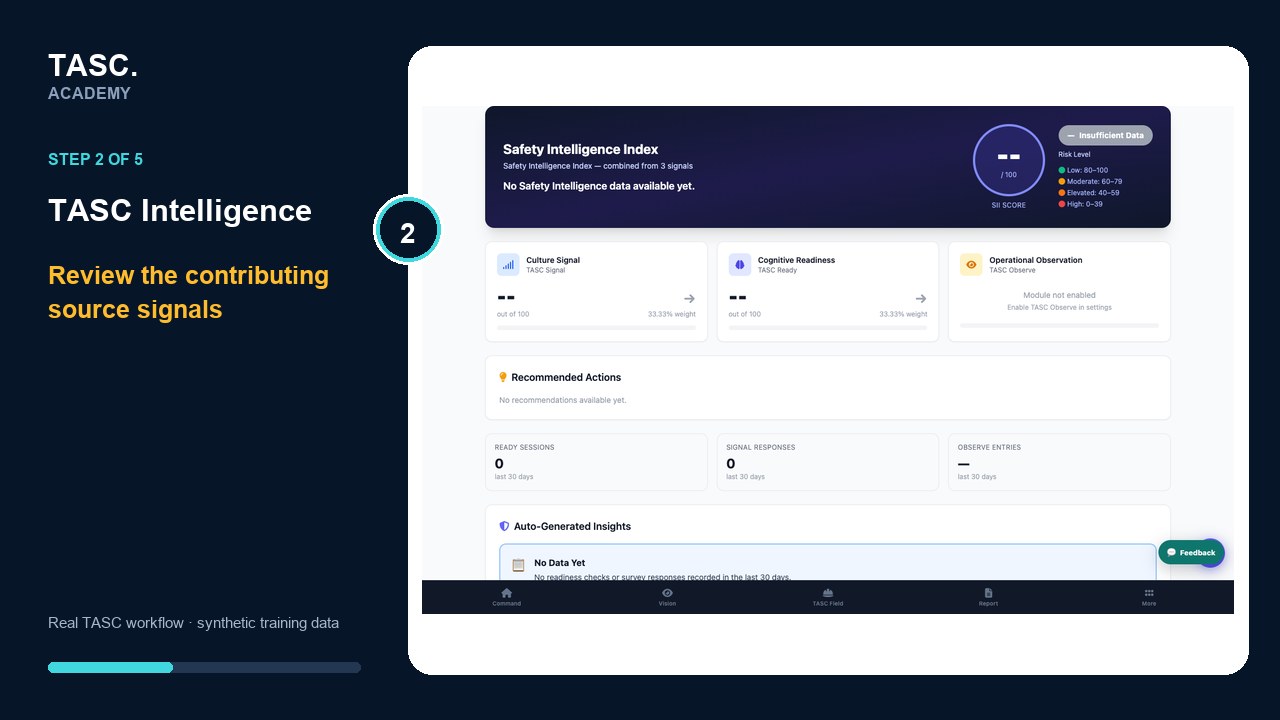 Step 2: Review contributing signals
Read recommended actions
Treat recommendations as prompts for qualified review and open the linked source evidence.
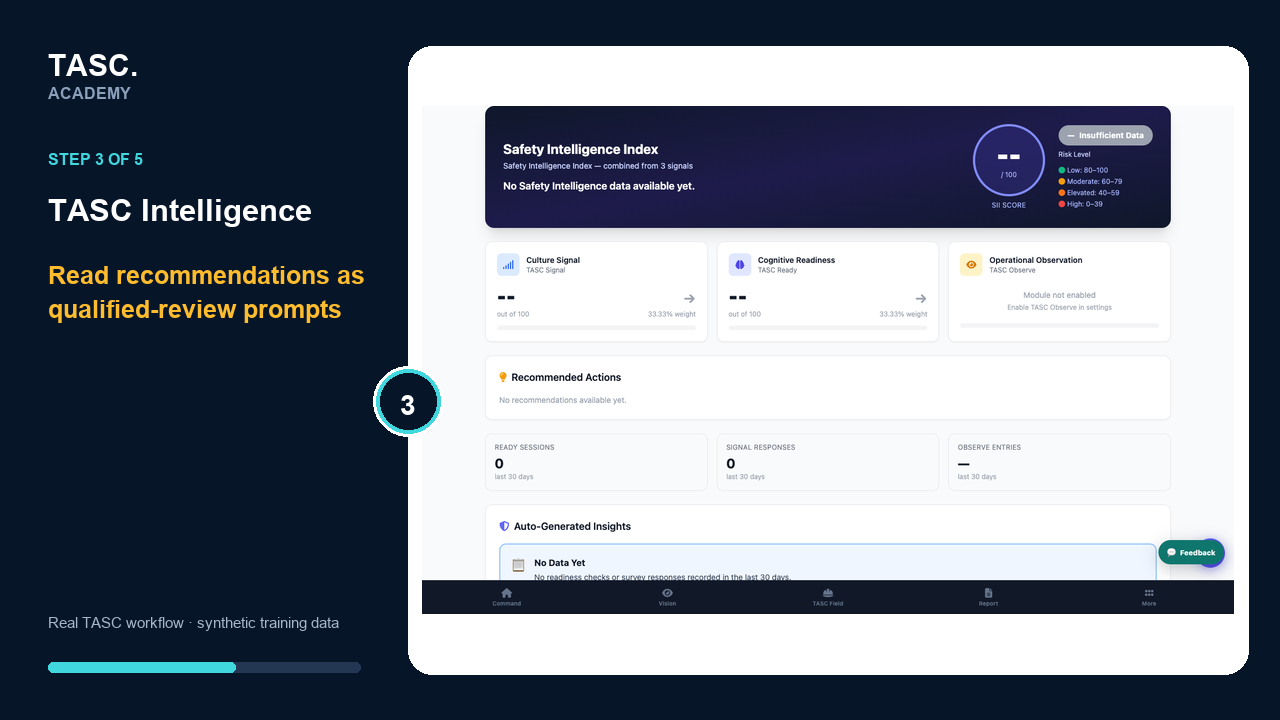 Step 3: Read recommended actions
Review generated insights
Check the period, context and limitations for every generated insight before it enters an operational decision.
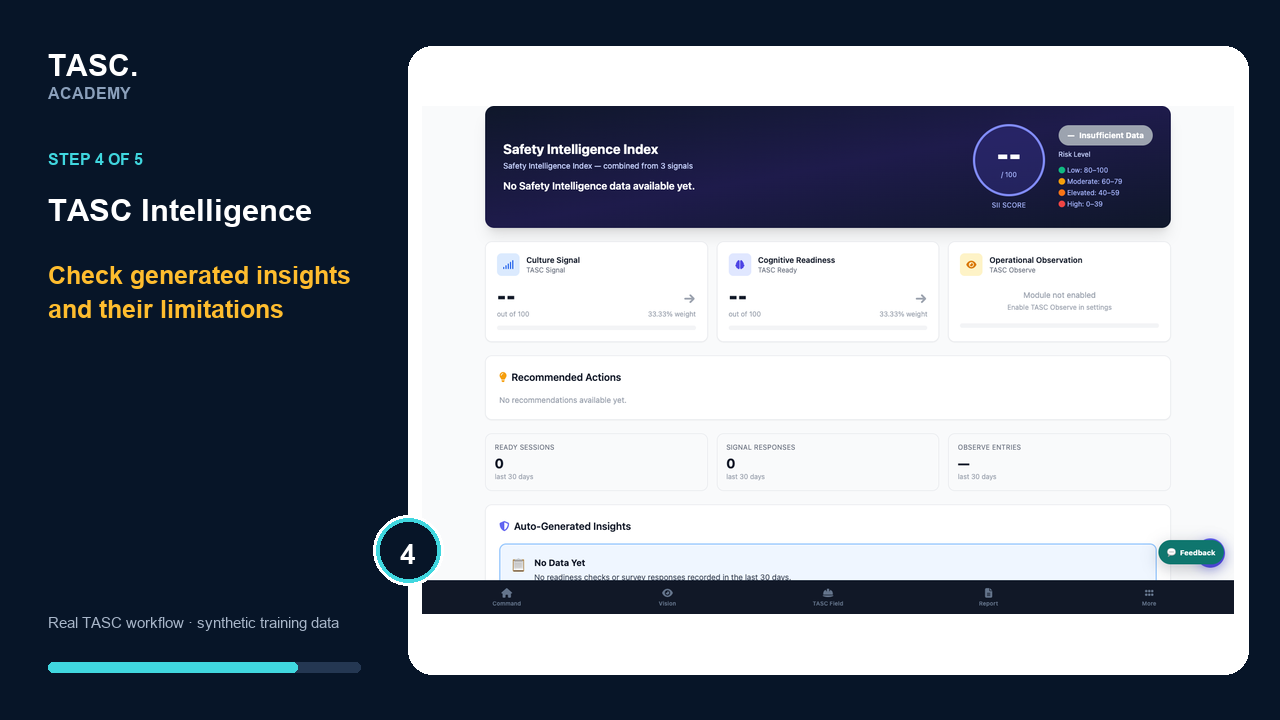 Step 4: Review generated insights
Assign accountable follow-up
Create or link traceable work in the owning module and verify the result there.
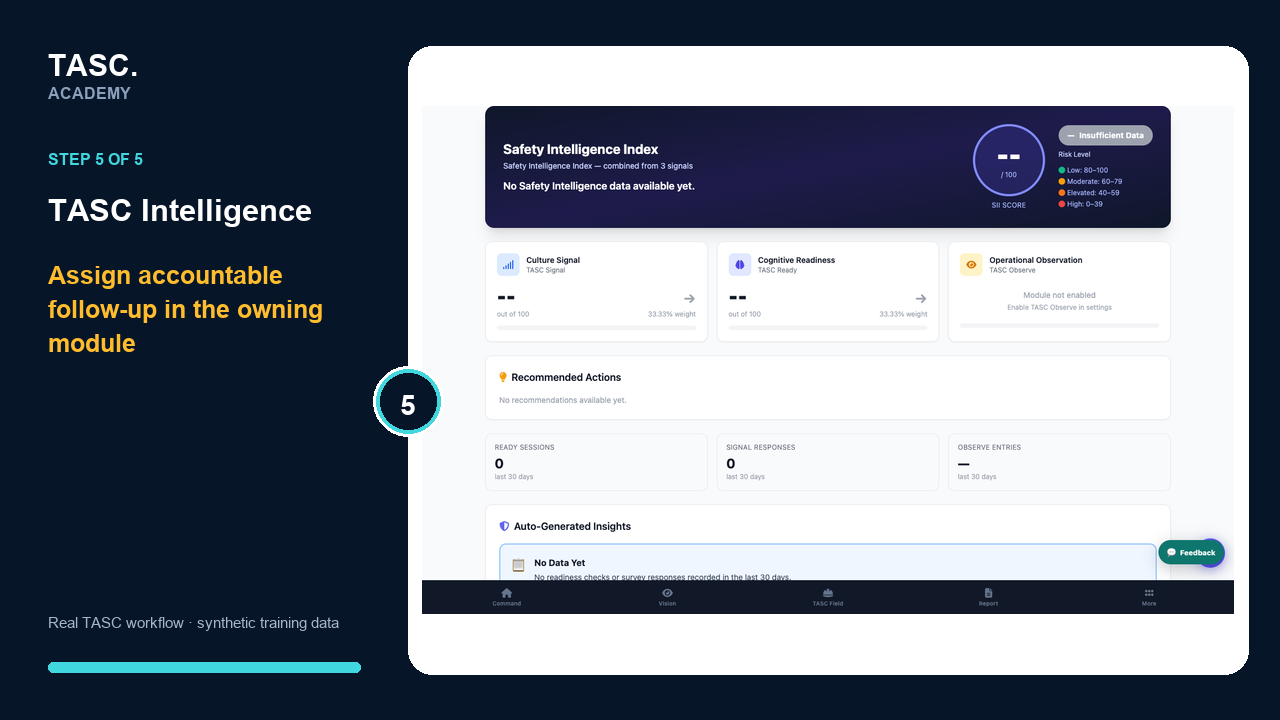 Step 5: Assign accountable follow-up
Check that it worked
- The scope and data sufficiency are clear
- Contributors can be traced to source records
- A person reviews generated guidance
- Follow-up has an owner and evidence
If something goes wrong
The index has little or no data.
Review source-module participation and configuration; do not infer low risk from missing information.
Before you begin and supporting details
Before you begin
- Organization-administrator or authorized supervisor access
- The correct organization and site context
- A synthetic test case before changing live operational information
Find it in TASC
Employer PortalTASC Intelligence