All lessons
Job RolesVideo + step screenshots
Job Roles: complete walkthrough
Build the workforce role registry used to align people, training requirements and operational expectations.
10 minutes5 stepsCore
Watch first
Captioned walkthrough using the real TASC screen
Do the task
Follow these steps in order
0 of 50%
Review the role registry
Search existing roles and confirm naming standards before creating a duplicate.
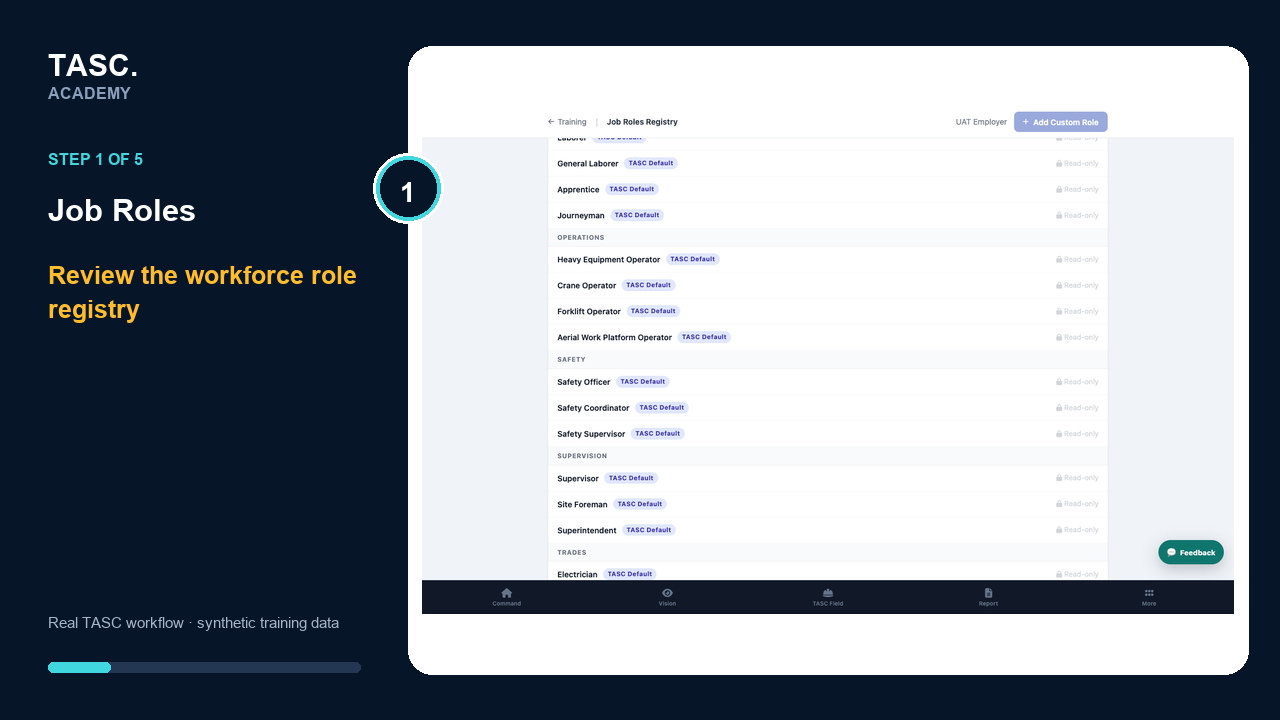 Step 1: Review the role registry
Create the job role
Add a recognizable title and description tied to real work—not a permission level.
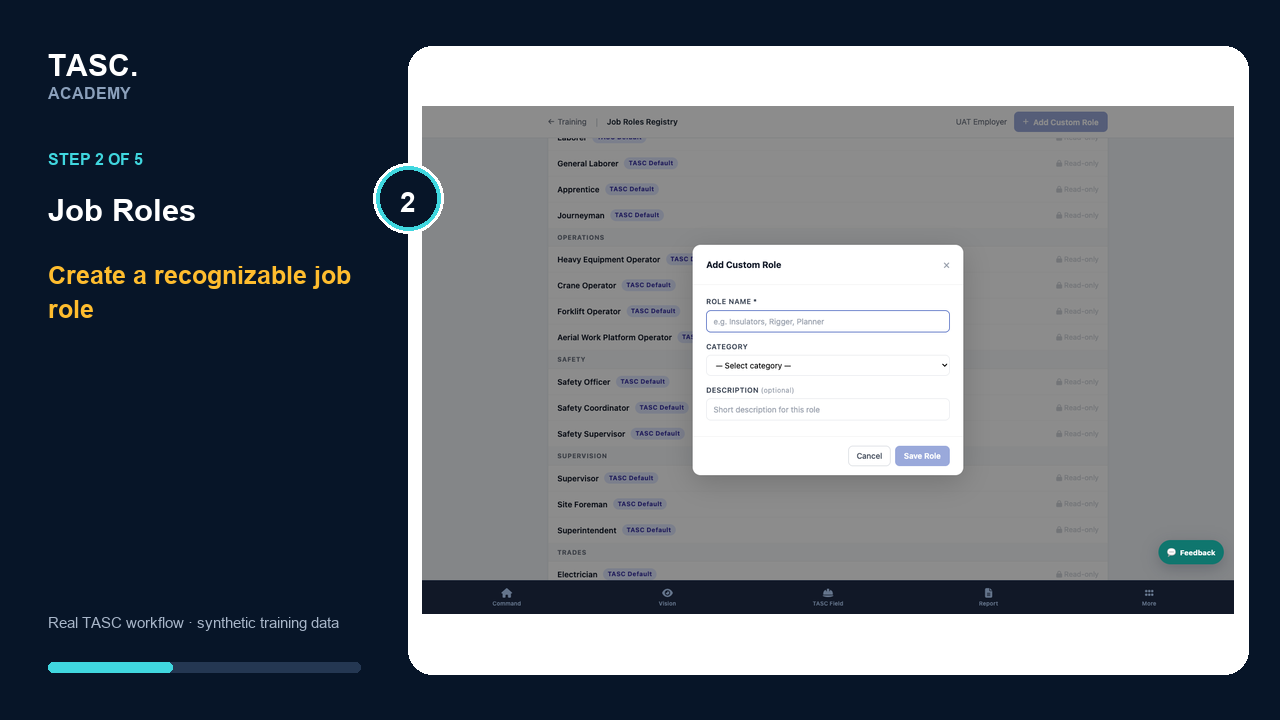 Step 2: Create the job role
Set role requirements
Connect the competencies, training or qualifications expected for the role where supported.
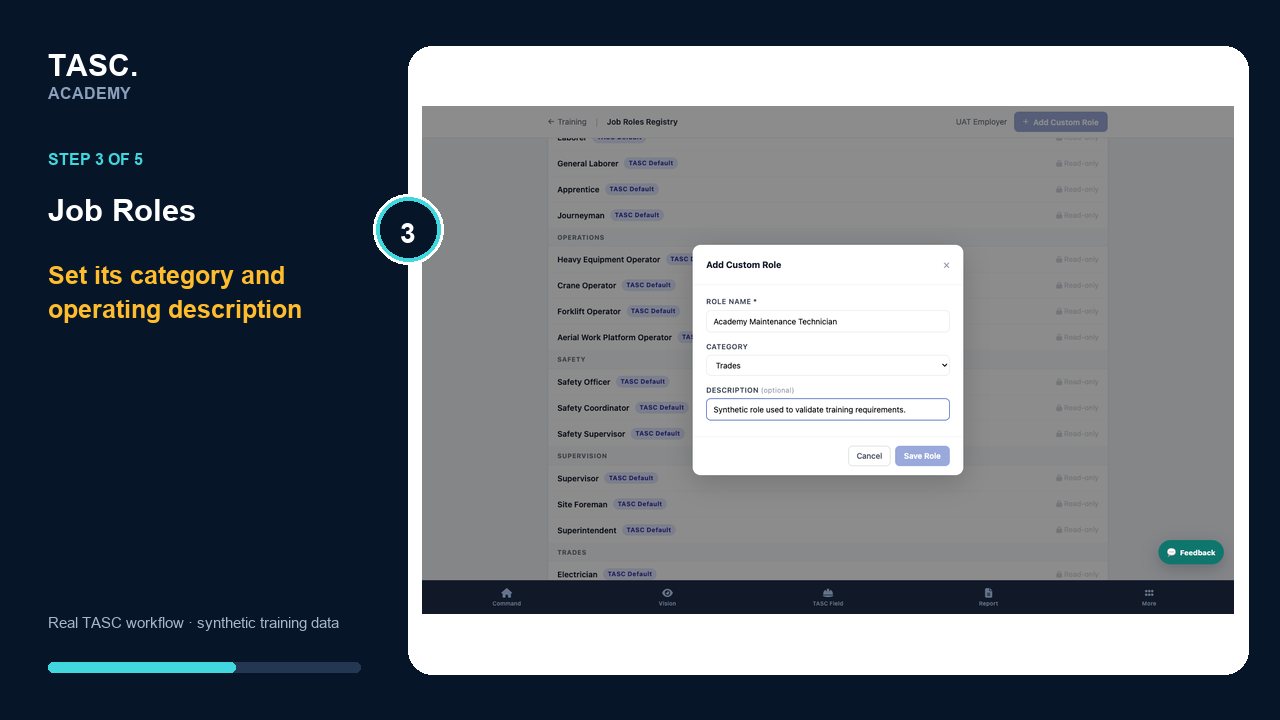 Step 3: Set role requirements
Assign workers deliberately
Apply the role to the correct roster records and site context.
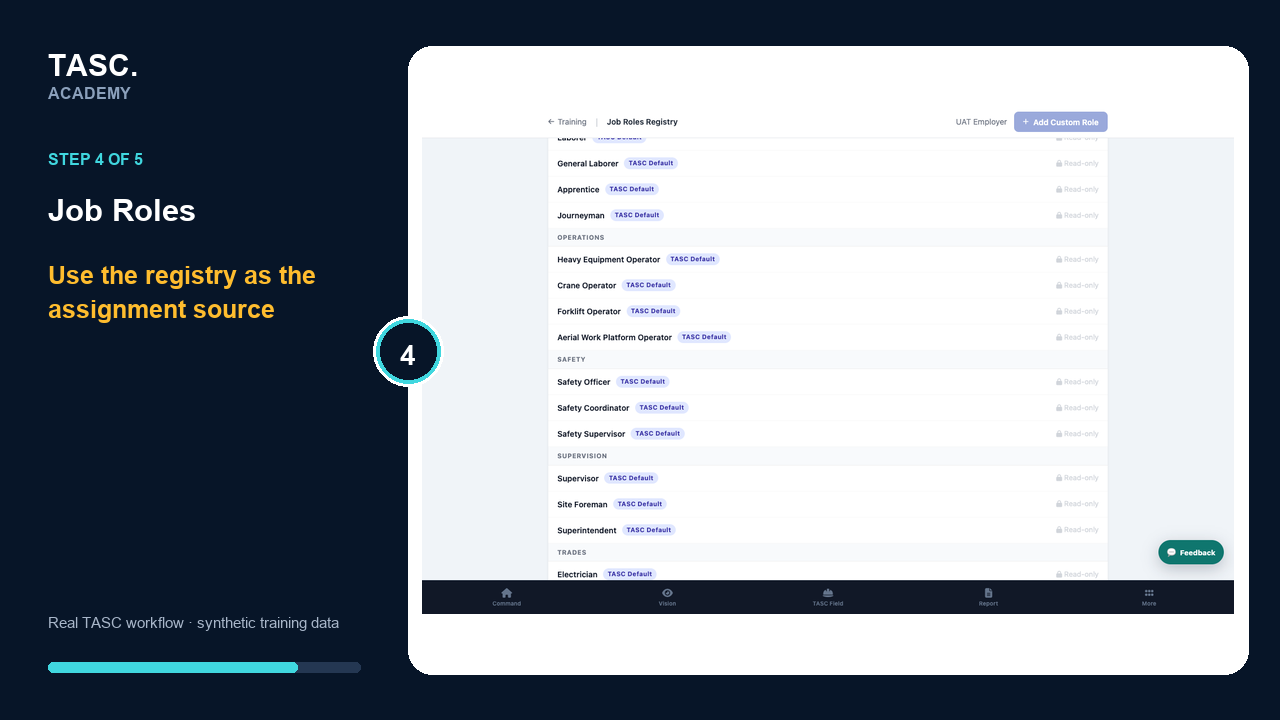 Step 4: Assign workers deliberately
Verify in TASC Learn
Confirm the role changes the intended requirement profile and competency-matrix view.
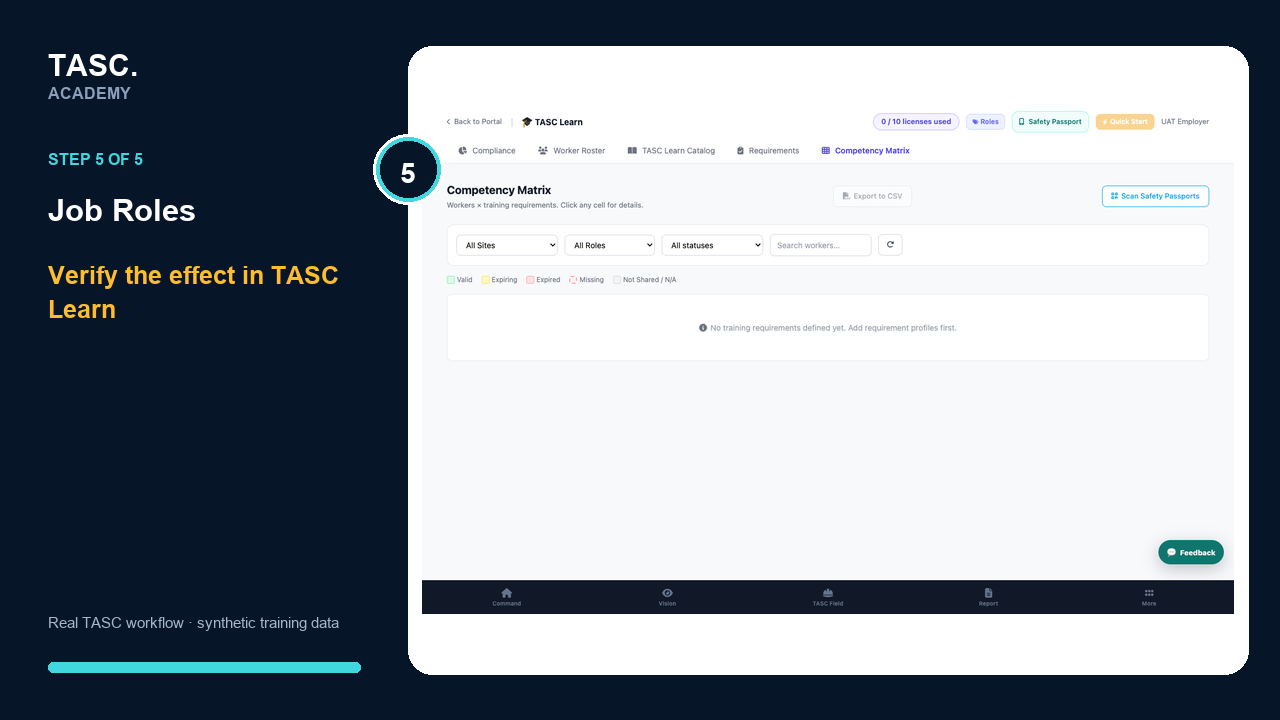 Step 5: Verify in TASC Learn
Check that it worked
- No duplicate role exists
- The title matches operating language
- Requirements match the work
- Learn reflects the assignment
If something goes wrong
Workers inherit the wrong requirements.
Check job-role assignment, site scope and the linked Learn requirement profile.
Before you begin and supporting details
Before you begin
- Organization-administrator or authorized supervisor access
- The correct organization and site context
- A synthetic test case before changing live operational information
Find it in TASC
Employer PortalJob Roles