Run your first TASC pilot
Test one workflow across administration, supervision, worker participation and public QR entry.
Watch first
Captioned walkthrough using the real TASC screen
Do the task
Follow these steps in order
Define the pilot boundary
Choose one site, one workflow, named owners, a start date and an explicit go/no-go condition.
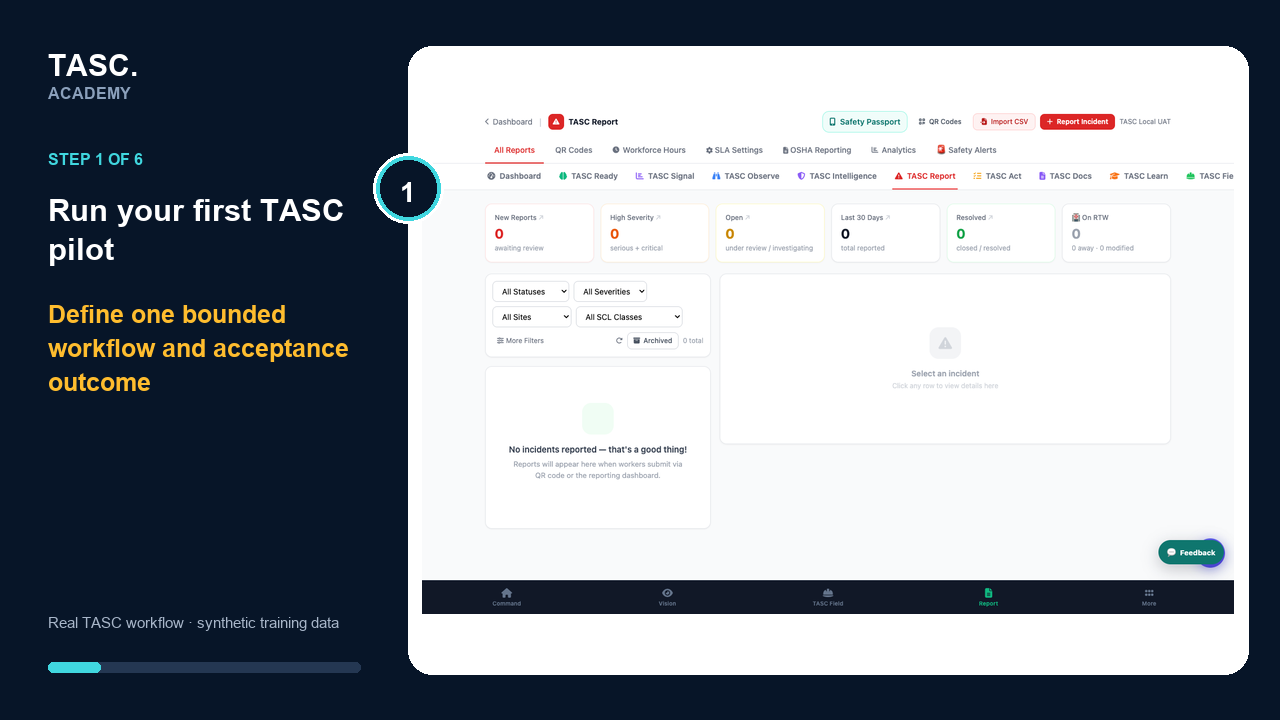 Step 1: Define the pilot boundary
Prepare synthetic acceptance cases
Test success, validation, denied access, expired invitation and inactive QR scenarios before real participation.
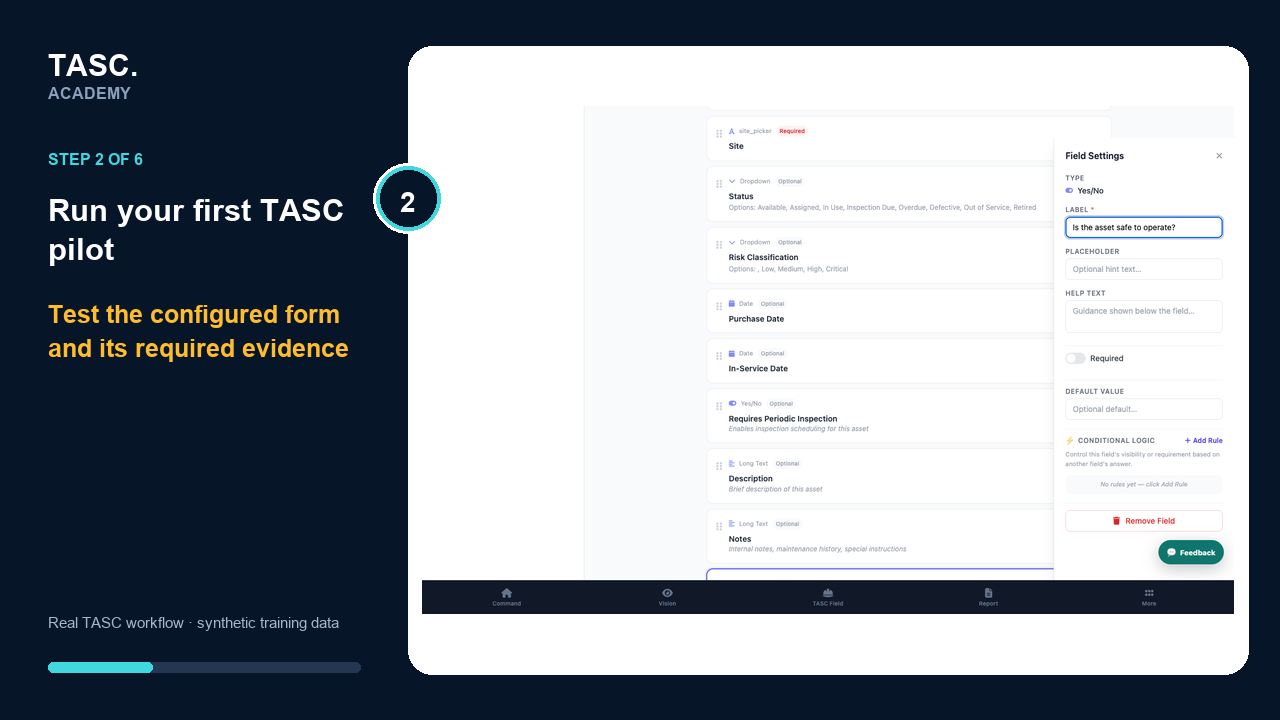 Step 2: Prepare synthetic acceptance cases
Test every role
Complete the journey as administrator, supervisor, connected worker and unconnected participant.
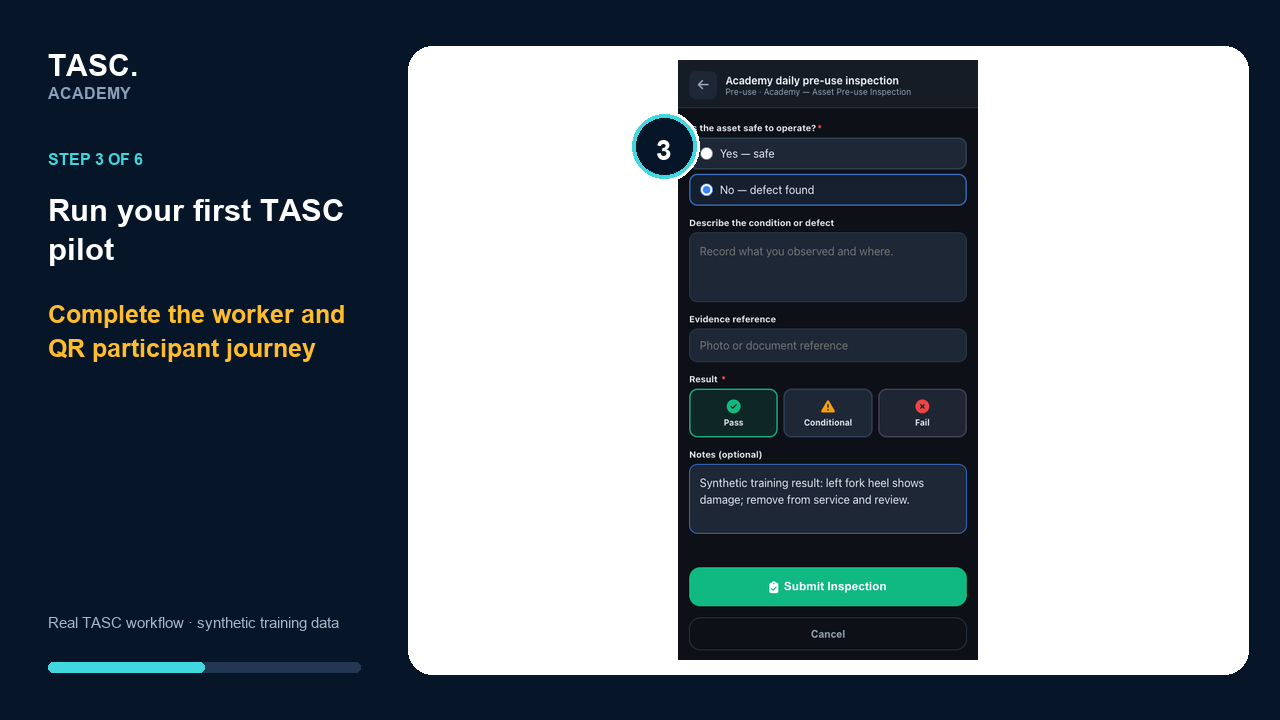 Step 3: Test every role
Verify downstream behavior
Confirm records, notifications, dashboards, actions and audit events appear only where expected.
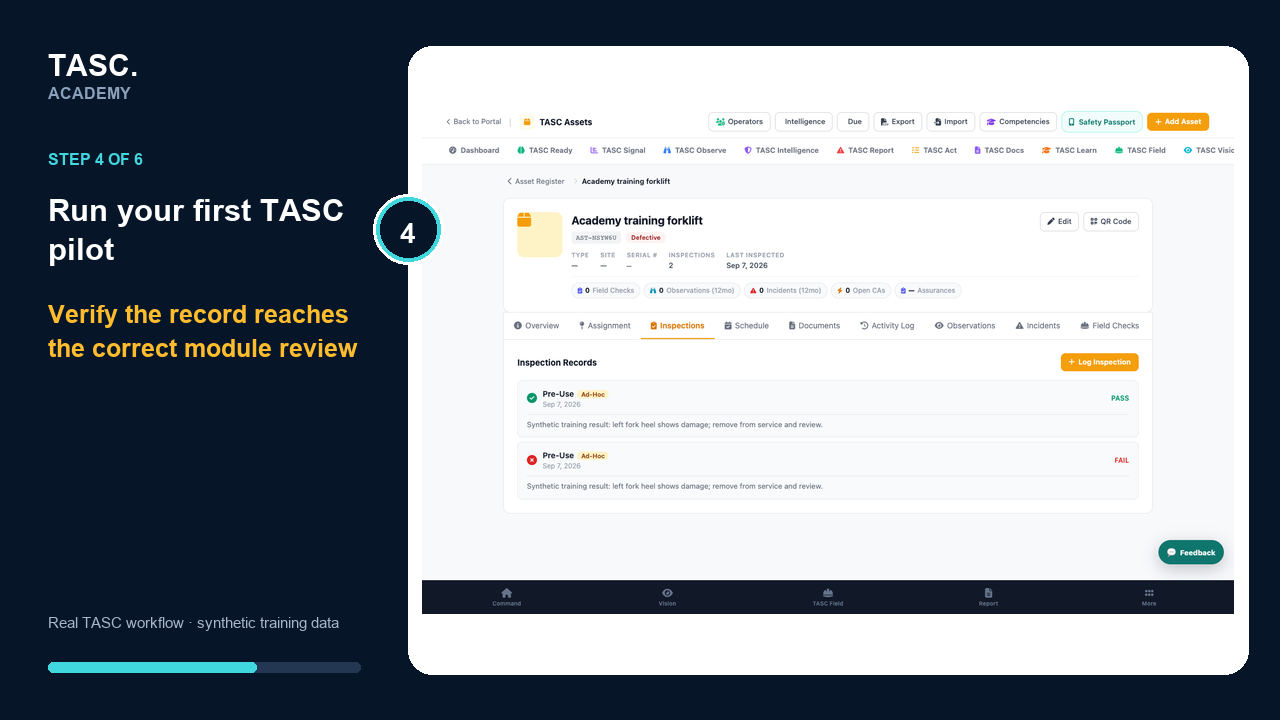 Step 4: Verify downstream behavior
Review privacy and communications
Confirm notices, worker questions, escalation routes and representative participation are ready.
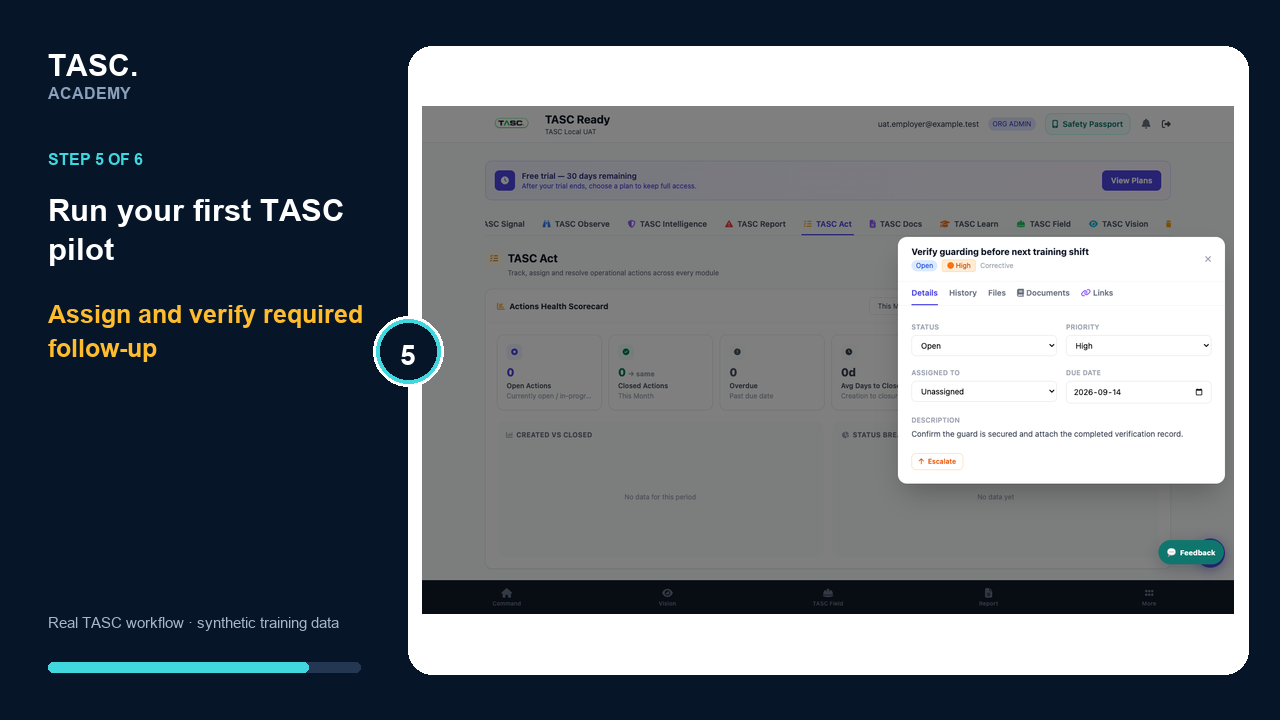 Step 5: Review privacy and communications
Decide and document
Record issues, owners and fixes, then approve expansion or repeat the pilot.
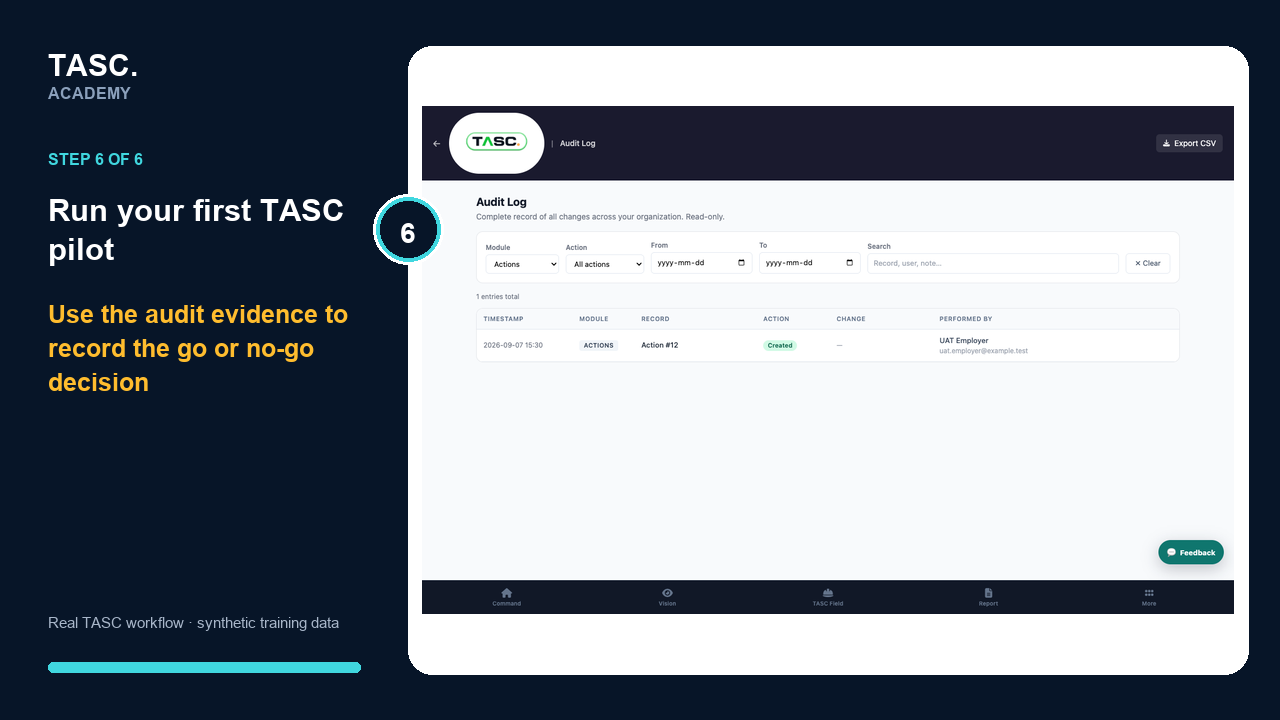 Step 6: Decide and document
Check that it worked
- Every role completed its scripted test
- Restricted information remained restricted
- Failed conditions reached the right follow-up path
- The operational owner approved expansion
If something goes wrong
The happy path passes but errors were not tested.
Add expired invitation, inactive QR, denied access, missing evidence and failed-condition cases.
Issues are known but have no owner.
Keep the pilot contained until each issue has an owner, priority and retest condition.
Before you begin and supporting details
Before you begin
- A bounded site and workflow
- Named admin, supervisor and worker testers
- A public/unconnected participant test where QR is used
- Synthetic records and explicit acceptance criteria